
Cross-Platform Support
The application is fully compatible with both iOS and Android devices. Users get a consistent experience regardless of their device.
From browsing and customizing to tracking an order in real time, the entire flow works the same way whether a customer is on web, iOS, or Android
Book A Demo
Menu browsing, item customization, checkout, and live order tracking all run inside a single consistent experience on iOS and Android..
The application is fully compatible with both iOS and Android devices. Users get a consistent experience regardless of their device.

Displays advertisements, categories, sub-categories, and favorite menus in one view. Also includes top products, table reservations, and gift cards.

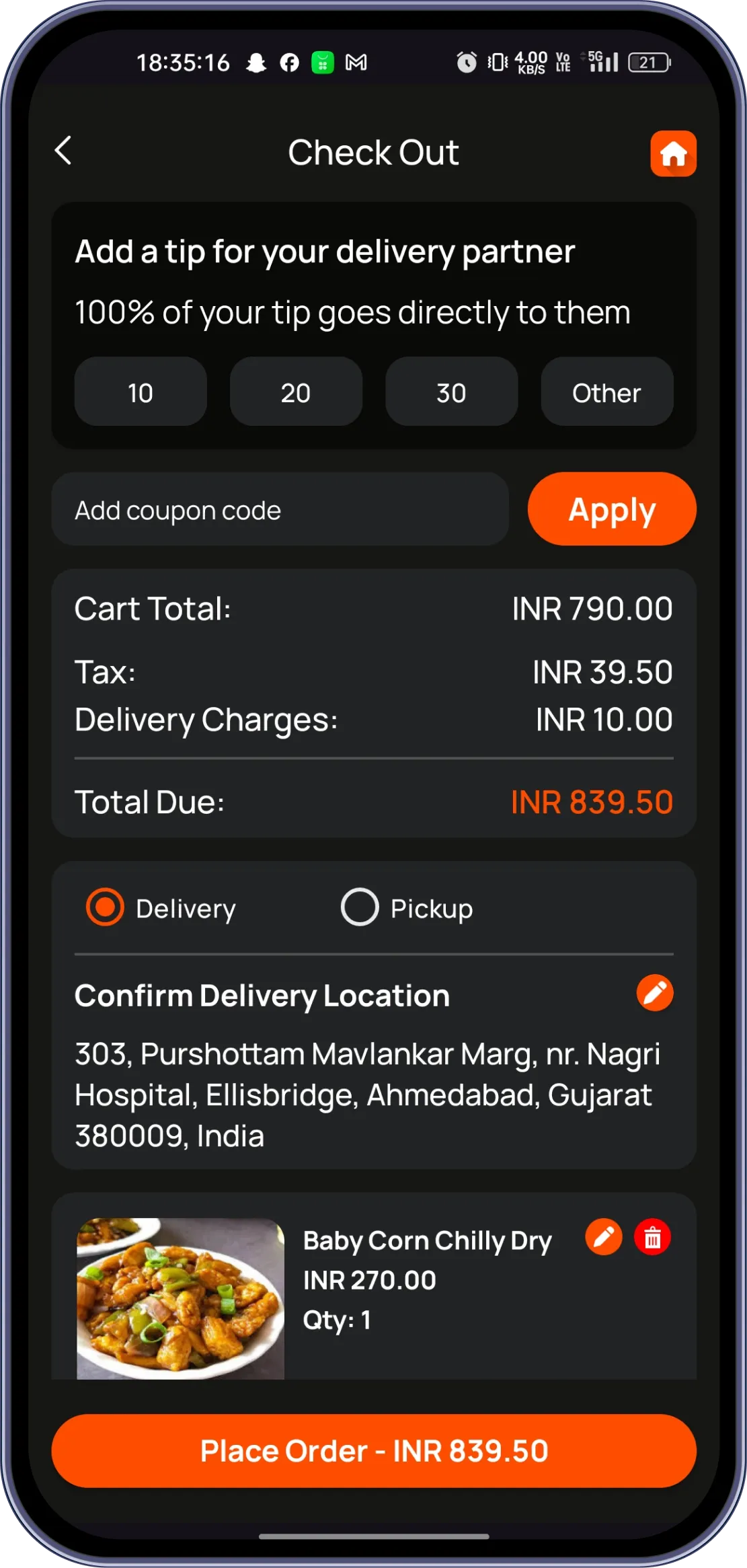
Users can view order details, enter personal info, and choose delivery or pickup. Promo codes can be applied based on items added to the cart.

Users can purchase, view, and redeem gift cards directly within the app. Gift card balances are tracked alongside other rewards.

Users can add item-specific notes, a global note, and tip amount. This is completed before finalizing payment information.

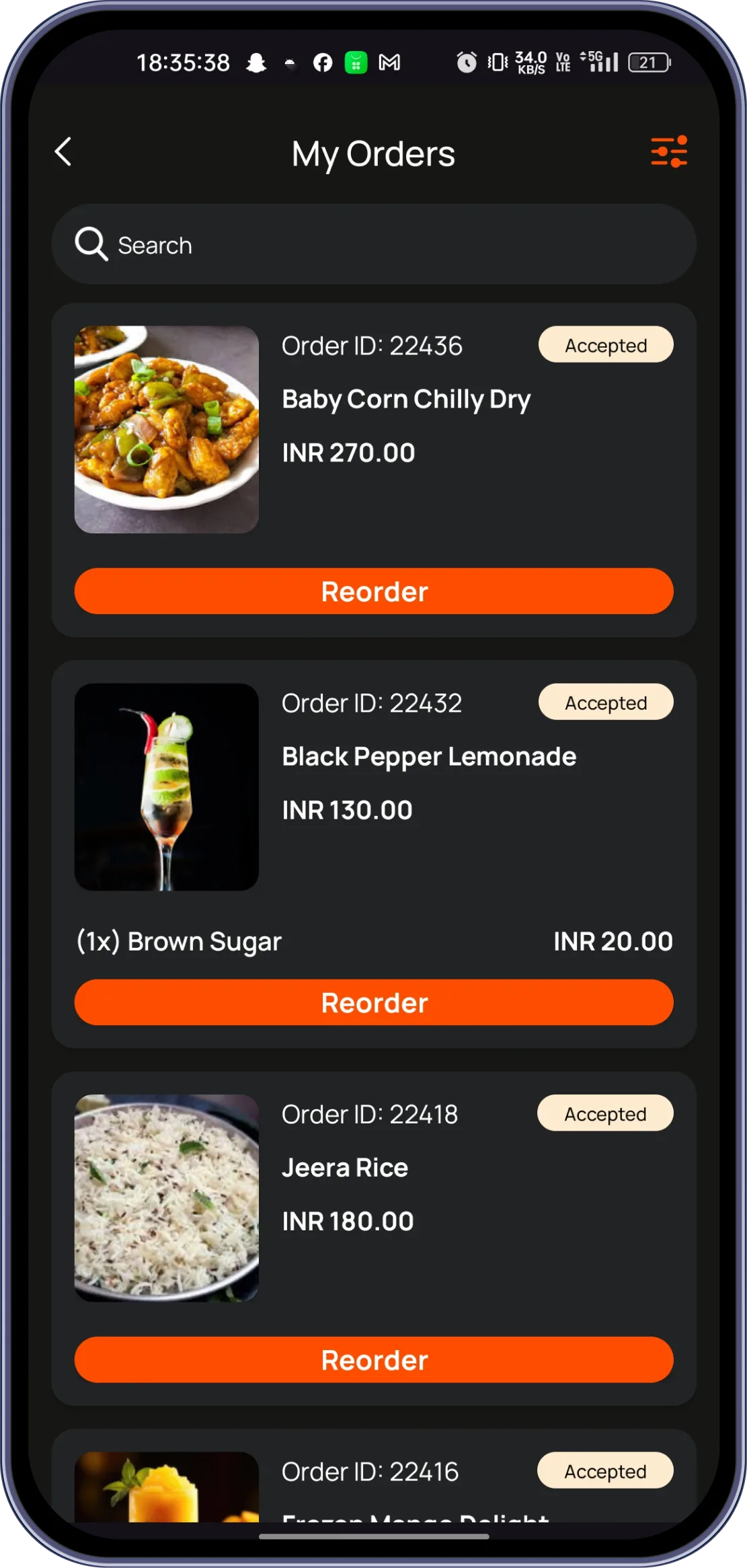
Users can monitor order status and details after placing an order. The driver's current location can also be tracked in real time.

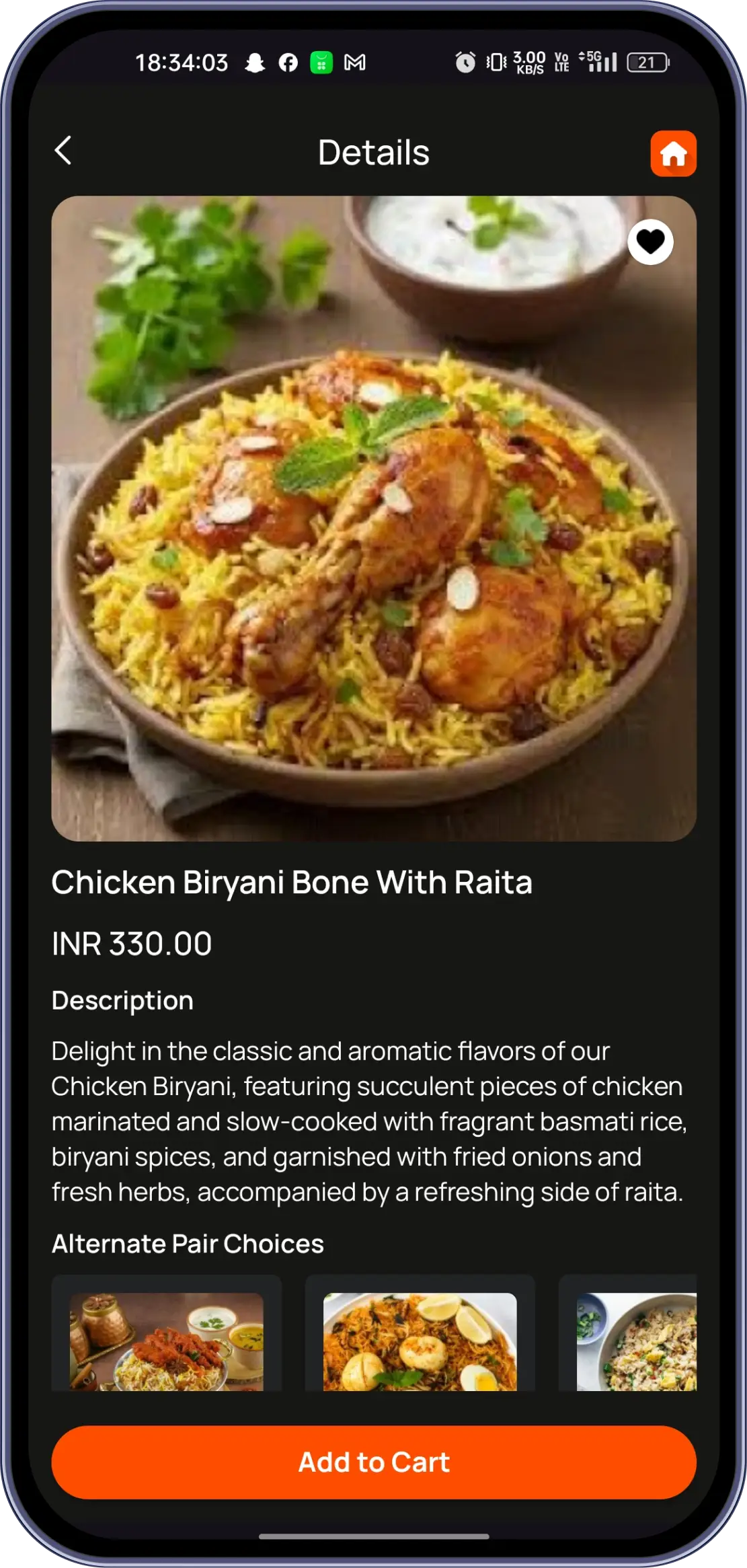
Users can personalize menu items by adding extra toppings and modifiers. Side-specific customization, like toppings on one half of a pizza, is supported.

Referrals, loyalty points, feedback, and wishlists work together inside the app to keep customers engaged well after their first order.
Three core capabilities that make User Application the only tool your front-of-house needs.

User downloads the Truffle app from the iOS App Store or Google Play Store. The app installs and opens to a welcome/splash screen.

User can continue as a guest to explore the menu without registering. Alternatively, they can register or log in using credentials or social login.

New users enter basic details like name, contact, and delivery address. This information is saved for faster checkout in future orders.
From cozy cafes to bustling fine-dine Restaurants, we support all outlet types for seamless operations and growth!





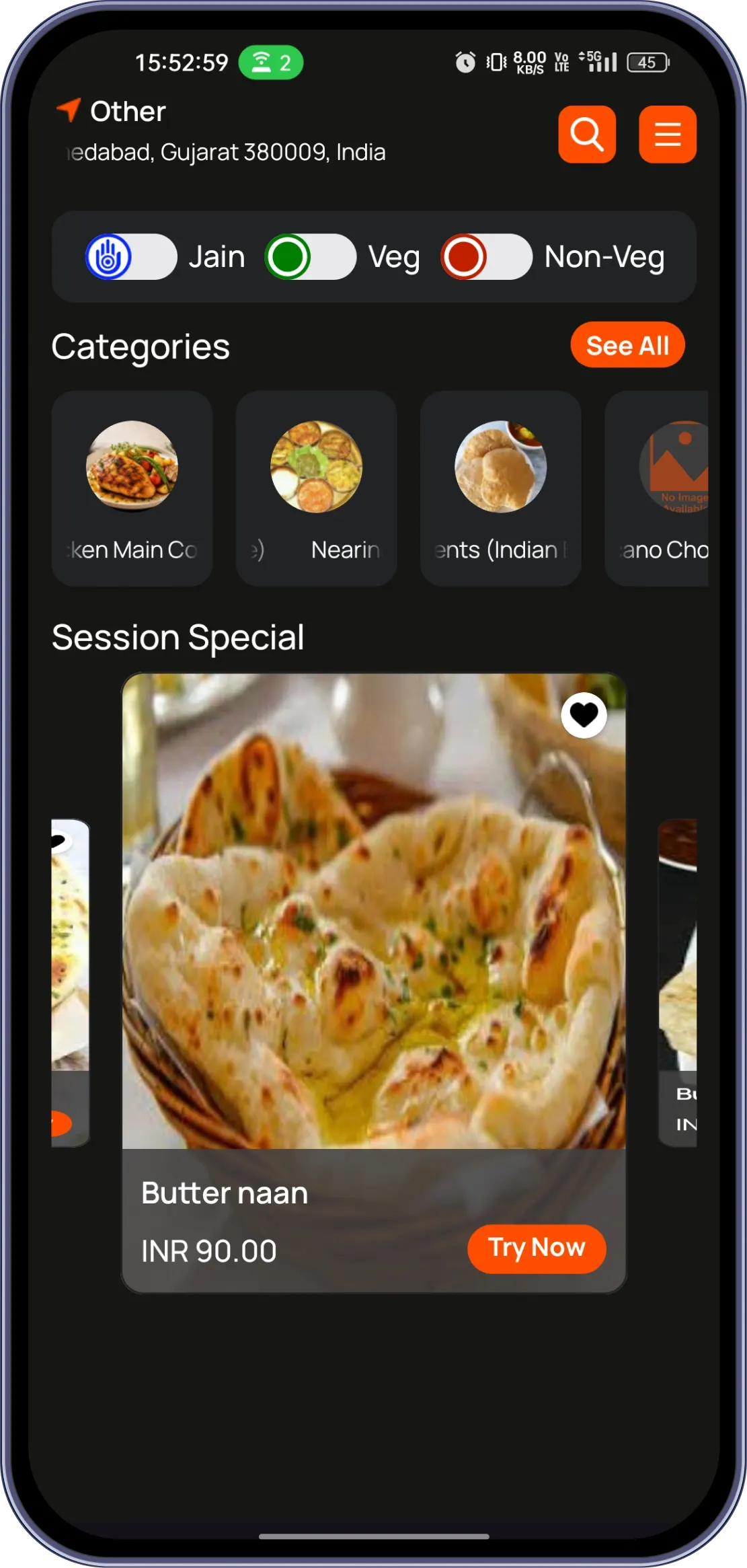
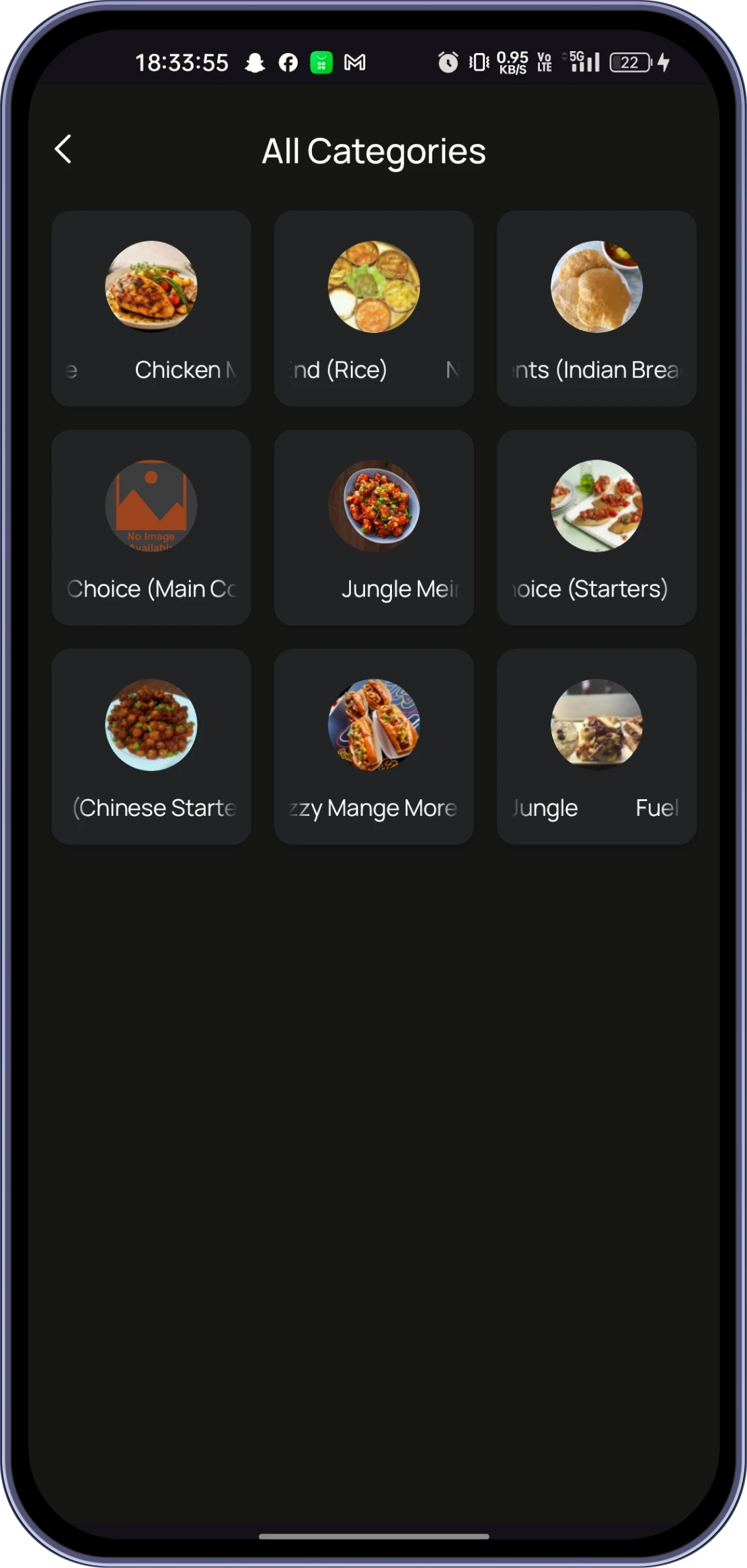
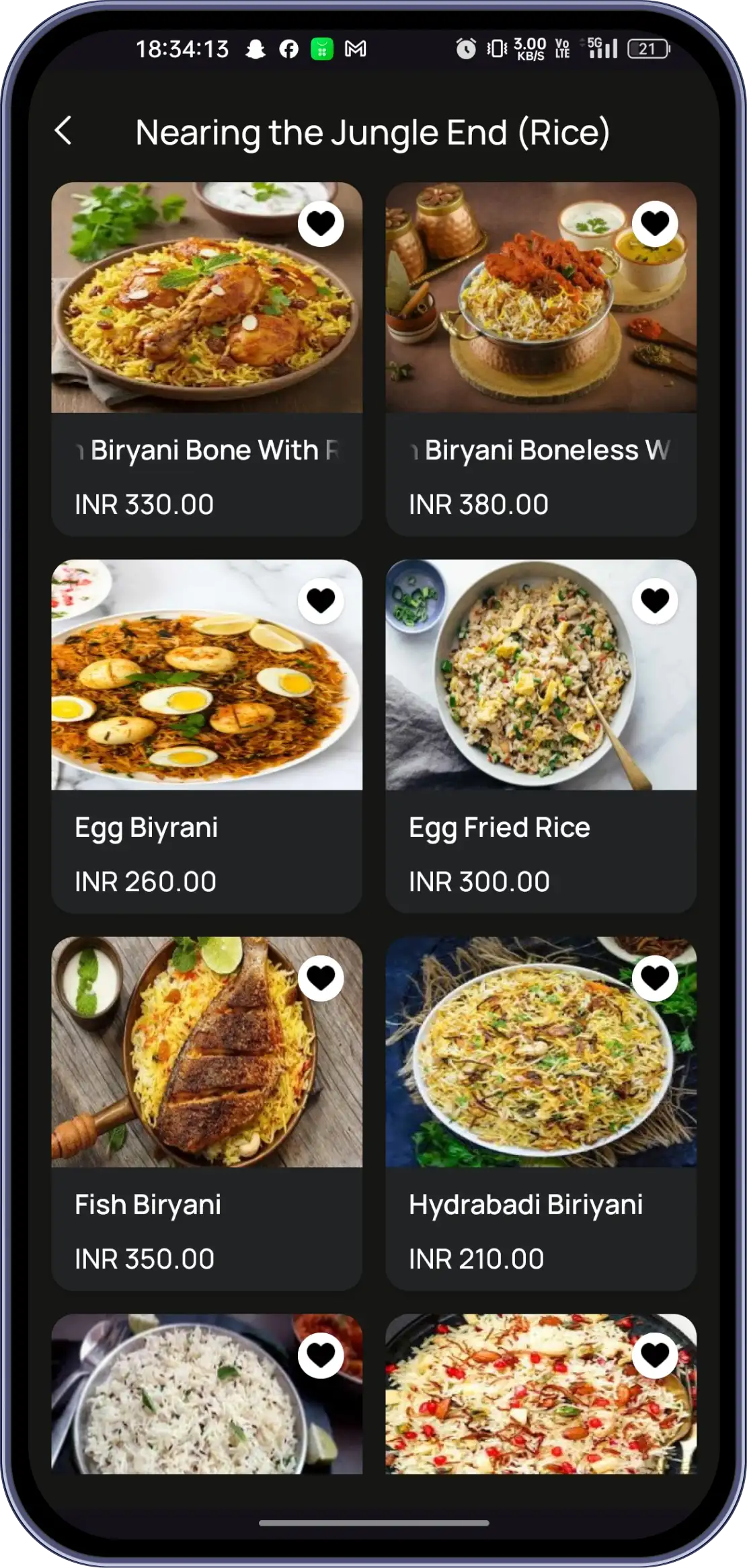
The Truffle User Application allows you to browse restaurant menus, customize food items, place delivery or pickup orders, track your order and driver in real time, manage table reservations, save favorite items, earn loyalty rewards, and provide ratings and feedback. The app is available for both Android and iOS devices.
You can browse menus by selecting a category or subcategory, or use the search bar to find a specific item. Before adding an item to your cart, you can customize it by selecting the quantity, size, and available modifiers such as toppings or add-ons.
The Cart screen allows you to review your order, enter your personal details, choose Delivery or Pickup, add item-specific or order notes, include a tip, apply available promo codes, and complete your payment to place the order.
Yes. After placing your order, you can view the order status, check the order details, and track the delivery driver's live location until your order is delivered.
Yes. You can save menu items to your Favorites for quick ordering later. You can also earn rewards through the Refer & Earn program and view your accumulated Reward/Loyalty Points within the app.
Yes. The app allows you to create, view, edit, or cancel table reservations. You can also rate your experience and submit feedback for the restaurant and the food you ordered after your order is completed.
Experience the future of transactions! Schedule a demo today and witness how our POS solution can revolutionize your business.