
Unique QR Per Packed Item
Every packed item gets its own QR code at the point of packing, linked to that exact product and price no two codes are ever the same.
Truffle Item Ready QR works by generating a unique QR code for an item when it is ready. Once the QR code is scanned, the item is instantly added to the cart.
Book A Demo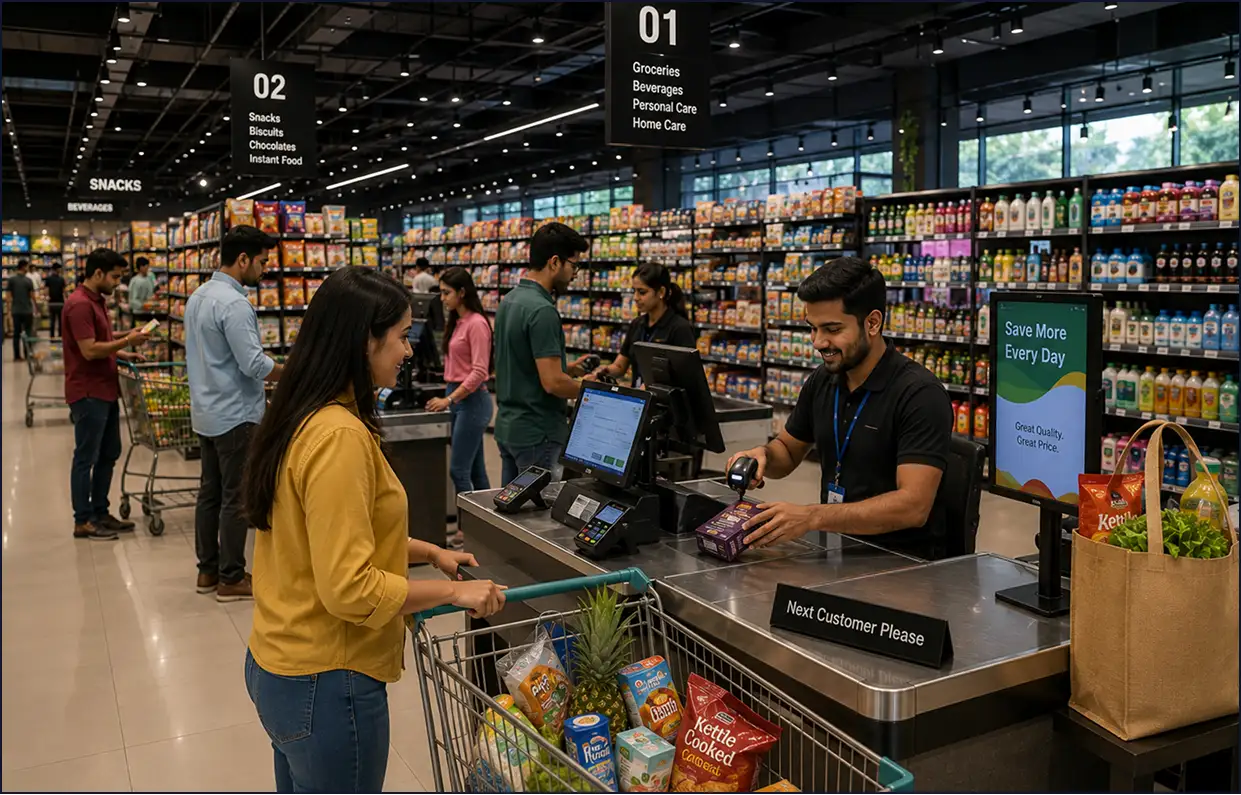
Nine core capabilities that make Truffle Item Ready QR the fastest, most accurate way to confirm and close customer orders in high-volume restaurant environments.
Every packed item gets its own QR code at the point of packing, linked to that exact product and price no two codes are ever the same.

When the customer scans their QR code, their item is instantly confirmed and added to their collection no verbal confirmation, no paper ticket needed.

Works with any handheld or counter-mounted barcode/QR scanner already at your checkout no proprietary hardware required.

Since the price is tied to the QR code itself, there's no manual entry and no risk of the wrong price being charged.

Scan-to-cart removes manual lookup and entry, cutting the mismatched-item and wrong-price errors that come with manual billing.

Staff scan and move to the next item instead of manually searching the menu or entering prices, cutting time at the counter during rush hours.

Works across bakeries, grab-and-go counters, QSRs, cloud kitchens, and any outlet selling pre-packed items.
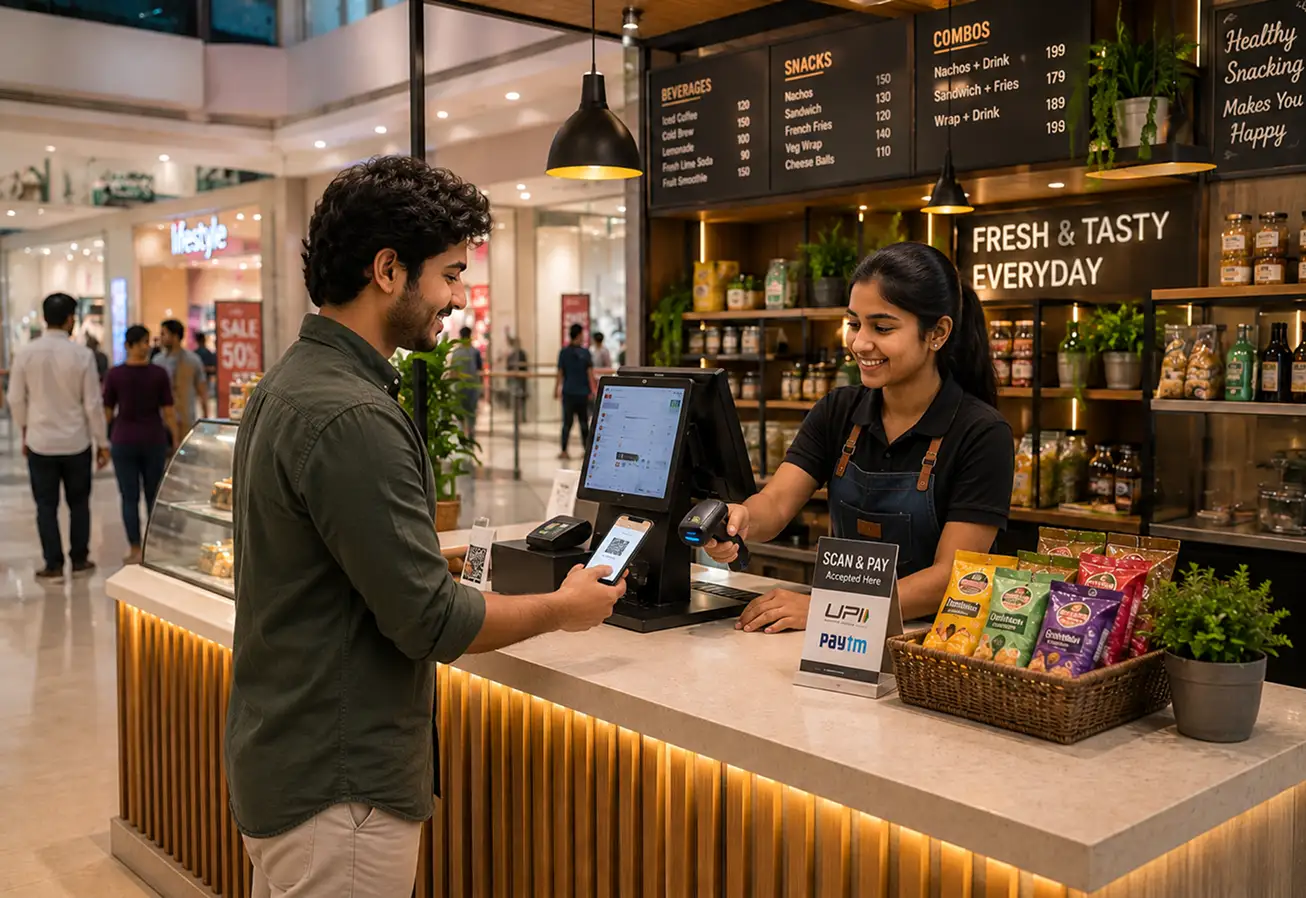
When a kitchen team member marks an order complete on the Kitchen Display System, Truffle instantly generates a unique QR code tied to that specific order. The customer scans the code on their smartphone item confirmed, order closed, collection complete. No staff announcement. No counter queue. No paper ticket. Just scan and go..
Four core capabilities that make Iteam Ready OR the only tool your front-of-house needs.

Register your packed items in Truffle name, price, and stock so each one is ready to be linked to a code.

Give each item a unique PLU code, tying it to the exact product and price for accurate billing every time.

Generate and print the barcode/QR label for each item, ready to attach at the point of packing.

Scan the barcode at checkout and the item is added straight to the cart no manual lookup, no price entry.
From cozy cafés to bustling fine-dine Restaurants, we support all outlet types for seamless operations and growth!




A system that generates a unique QR code the moment an item is marked ready in the kitchen. Staff scan the code at the pickup point to instantly confirm and close out the order no counter queue, no verbal announcement, no paper ticket.
No. Item Ready QR works with any handheld or counter-mounted scanner already in use at your pickup point no proprietary hardware required.
The moment a kitchen team member marks an order complete on the Truffle KDS or POS, the system automatically generates a unique QR code for that specific order.
No. Each QR code is single-use and linked to one specific order once scanned, it expires, preventing any duplicate or wrong-order collection.
Yes. It's fully integrated with Truffle POS, Kitchen Display System, and self-service kiosk no separate hardware or system required.
QSRs, food courts, cafes, cloud kitchens, pizzerias, entertainment venues, and any format where staff confirm pickup at a counter or kiosk.
Experience the future of transactions! Schedule a demo today and witness how our POS solution can revolutionize your business.