
Business Dashboard
Provides an instant overview of Total Sales, Net, Invoice Due, Purchases, and Expenses. Filters by date and location ensure relevant, actionable insights.
From product and sales records to user roles and permissions, every module supports fast search, filtering, and export to CSV, Excel, or PDF so managers and field agents can work with the data anywhere, not just from a desk.
Book A Demo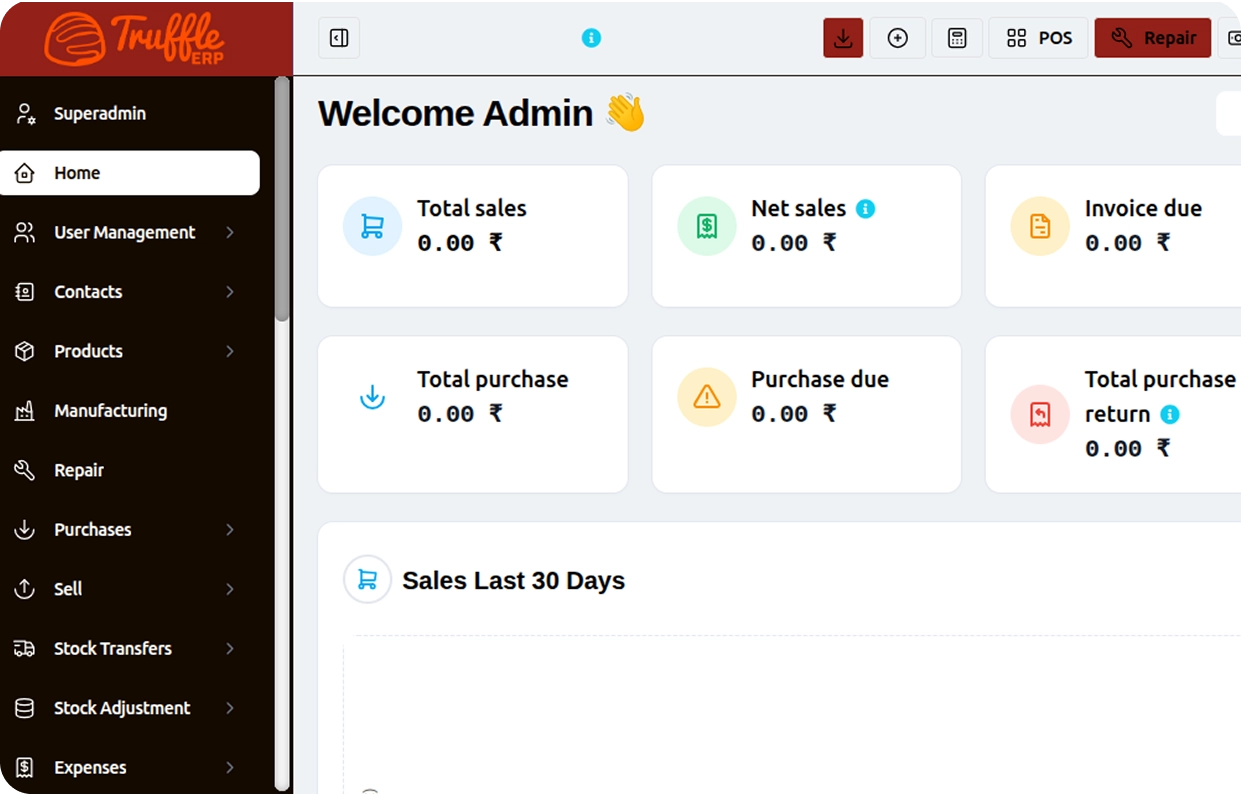
Sales, purchases, stock, and users all sit inside TruffleERP's structured navigation, giving decision-makers an instant, filterable view of business health the moment they log in.
Provides an instant overview of Total Sales, Net, Invoice Due, Purchases, and Expenses. Filters by date and location ensure relevant, actionable insights.

Offers quick access to all major ERP modules like Sales, Purchases, and Stock. This structured layout supports fast switching between business functions.

Users can view all sales, add new transactions, and apply filters for quick search. Data can be exported as CSV, Excel, or PDF, and printed directly.

Superadmins can add, edit, view, or delete user accounts. Roles such as Admin, Cashier, or HR Manager are assigned based on responsibility.

Users can view, search, filter, and export product data efficiently. Column visibility controls help tailor the data view for different needs.

Production-related data and processes can be tracked within the ERP. This connects raw material usage with finished product output.

Users can manage and track purchase orders and supplier transactions. This ensures accurate procurement records linked to inventory.

Inventory levels across products are tracked in real time. This helps prevent stockouts and supports accurate reorder planning.

Business contacts such as suppliers, vendors, or clients are organized centrally. This supports easy access during purchases, sales, or communication.
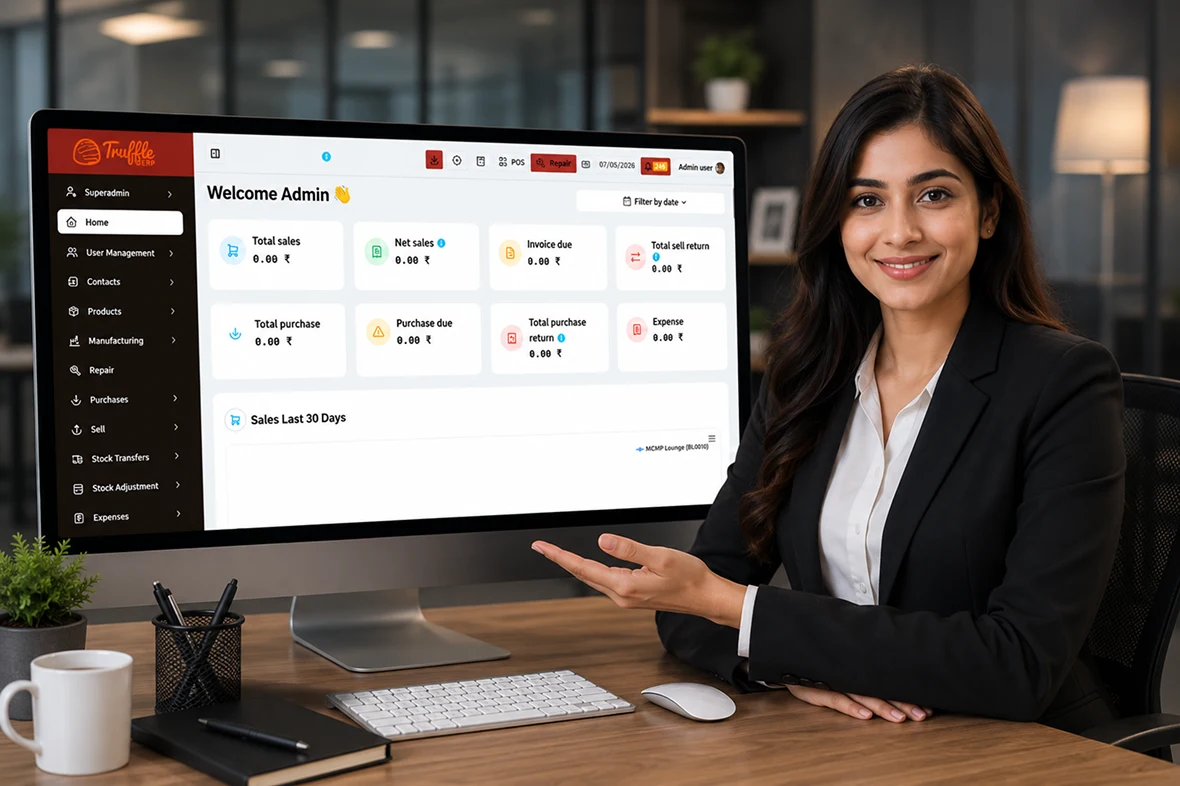
TruffleERP handles the daily record-keeping that supports everything else order history for tracking consumption over time, and user management for keeping Admin, Cashier, and HR Manager roles aligned with exactly what each person should have access to.
Ten core capabilities that make Truffle ERP the only tool your front-of-house needs.

Business owner signs up for a Truffle ERP account with basic company details. A Superadmin account is created with full access by default.

Owner enters business details such as name, location, and contact information. This information is used across dashboard and reporting modules.

Superadmin creates user accounts and assigns roles like Admin, Cashier, or HR Manager. Access permissions are configured based on each role's responsibilities.

Products are added with relevant details, pricing, and stock information. Supplier and vendor contacts are also added for procurement purposes.

Sales channels and purchase workflows are configured within the ERP. This ensures transactions are recorded accurately from day one.

Initial stock levels are entered, and manufacturing processes are configured if applicable. This connects raw material usage with finished product tracking.

Superadmin explores the dashboard to understand key metrics like Sales, Net, and Expenses. Date and location filters are tested for accurate reporting.

Users are trained on exporting data (CSV, Excel, PDF) and using print options. Column visibility settings are adjusted based on reporting preferences.

Sample transactions are processed across sales, purchases, and stock modules. Any issues with data flow or reporting are resolved before go-live.

Truffle ERP is activated for daily business operations. Ongoing support is provided for updates, troubleshooting, and feature guidance.
From cozy cafes to bustling fine-dine Restaurants, we support all outlet types for seamless operations and growth!





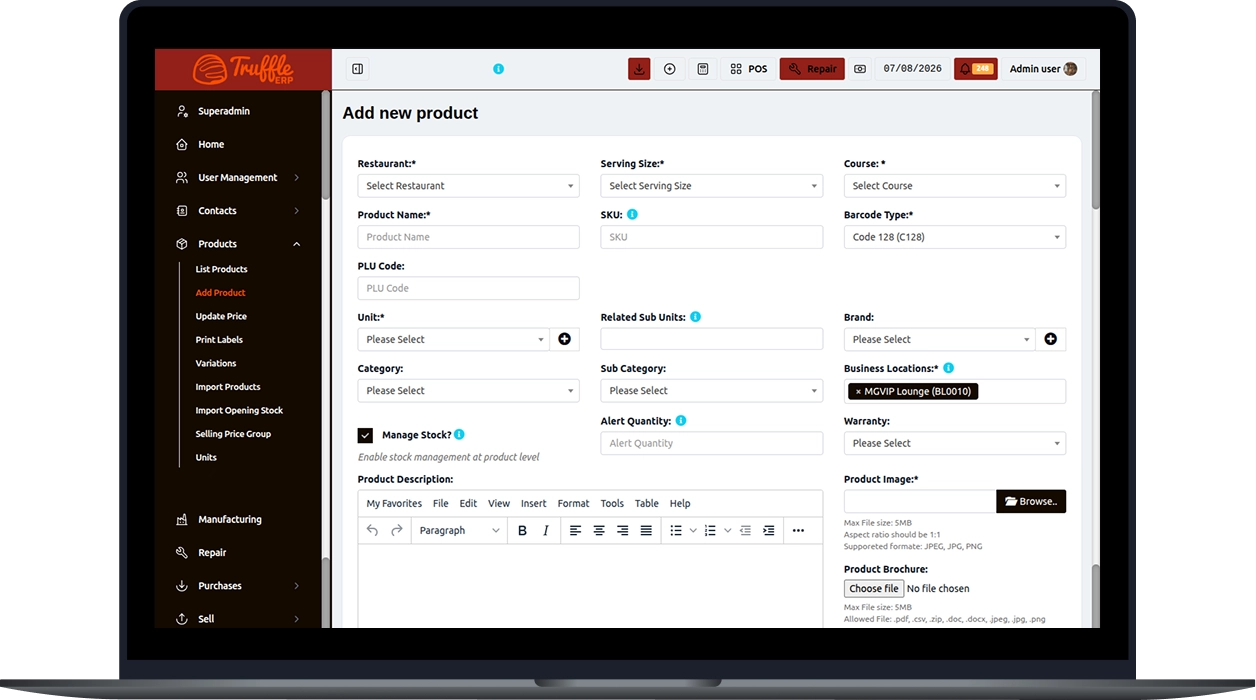
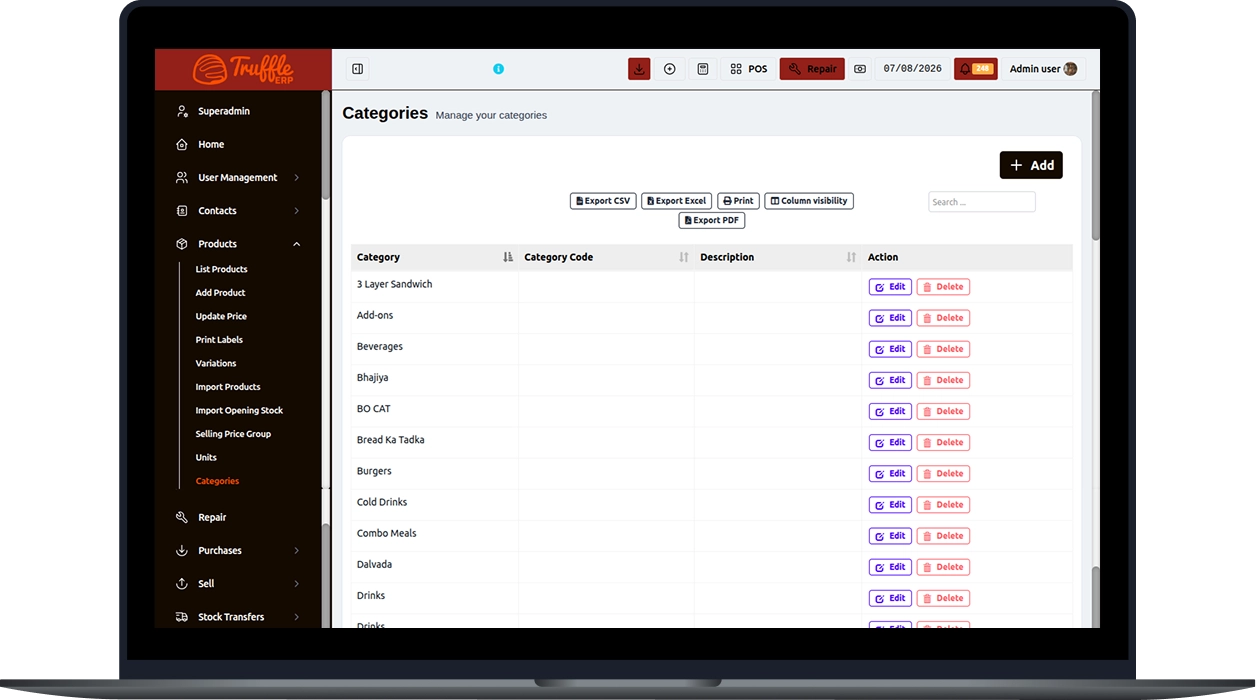
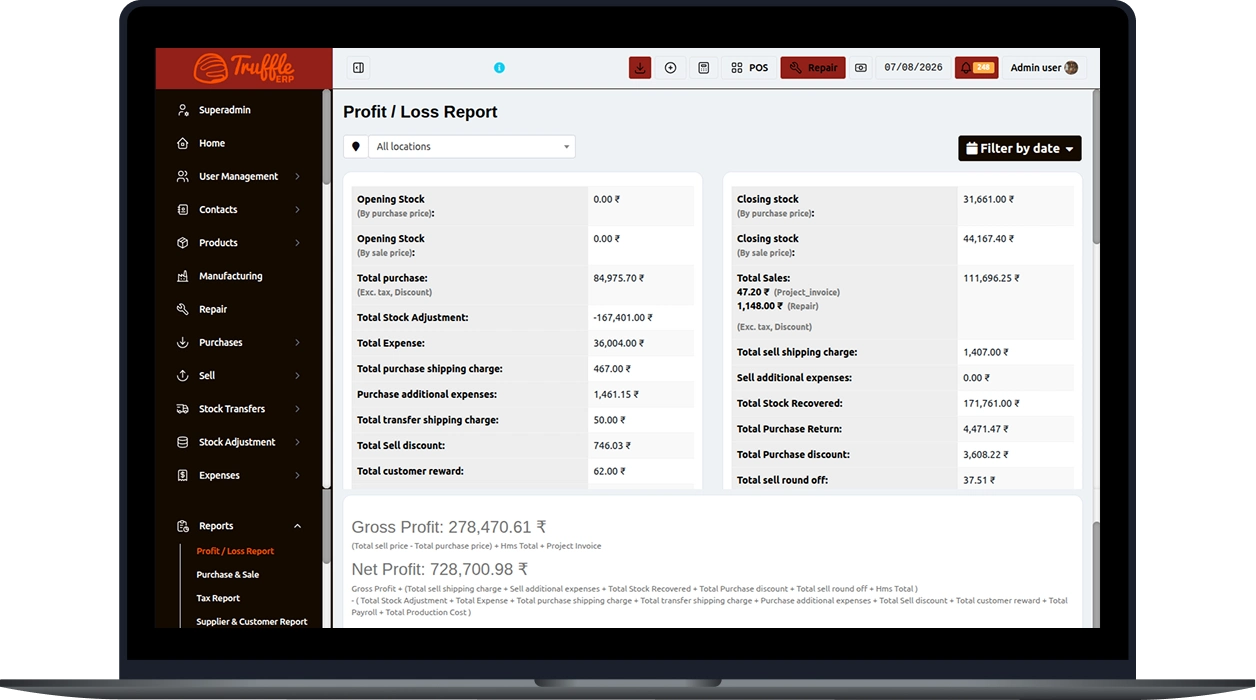
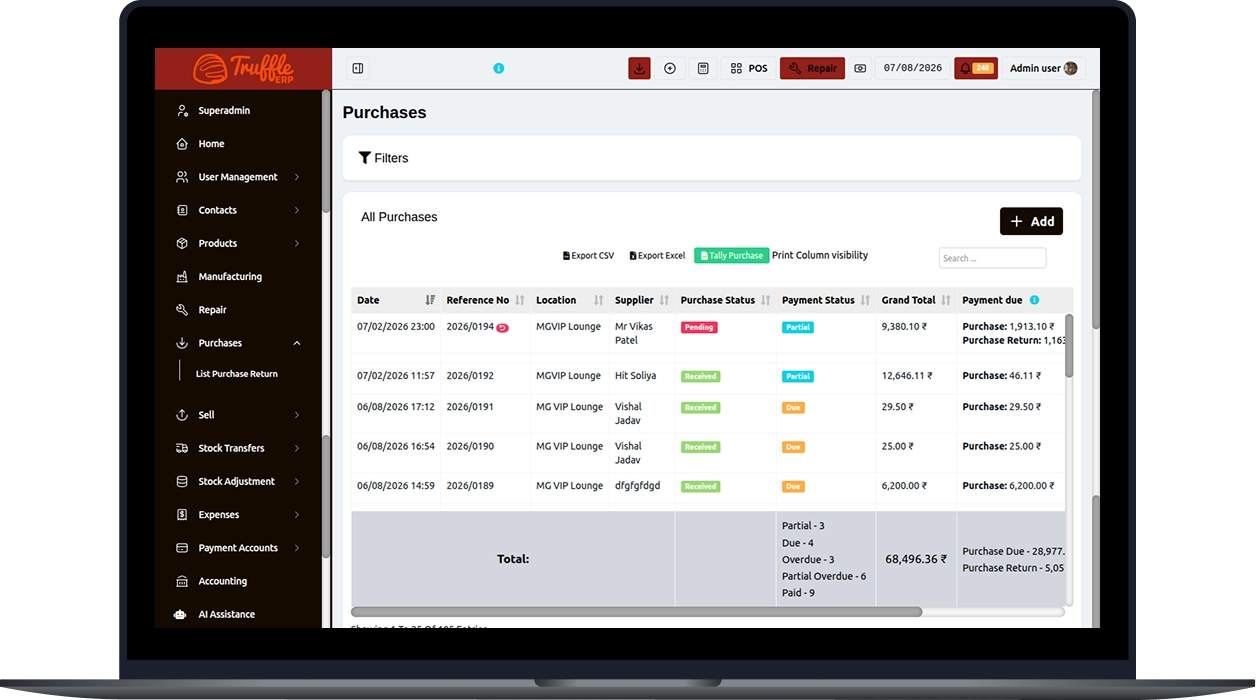
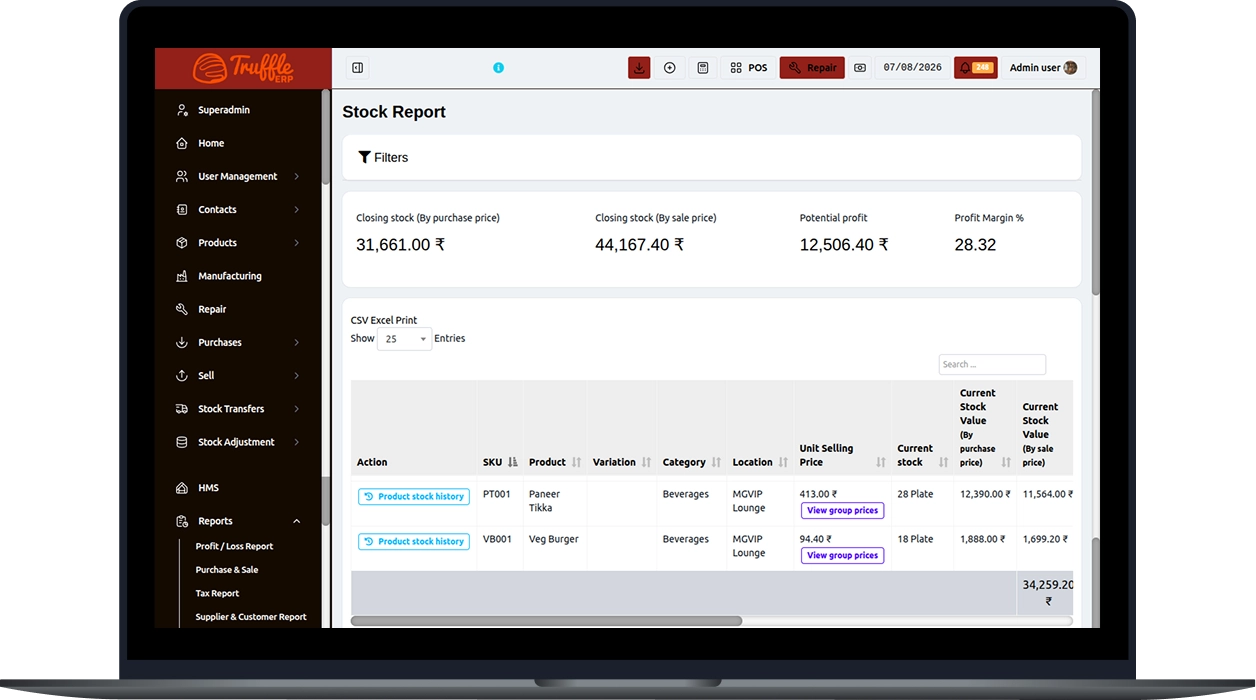
After logging in, you can access the ERP dashboard and modules based on your assigned role and permissions, including Sales, Purchases, Products, Stock Management, Manufacturing, Contacts, User Management, and other business functions.
The Dashboard provides a real-time overview of your business, including Total Sales, Net Sales, Invoice Due, Total Purchases, and Expenses. You can also filter the data by date and location to view business performance for a specific period or branch.
The Sales Tracking module allows you to view all sales transactions, add new sales, search using filters, and export reports in CSV, Excel, or PDF formats. You can also print reports and customize the displayed columns.
The User Management module allows administrators to create, edit, view, and delete user accounts. You can assign roles such as Admin, Cashier, or HR Manager to control each user's access and permissions.
The Product Management module allows you to view, search, filter, and update product information. You can also export product data, print reports, manage product records, and monitor inventory from a single interface.
The Side Menu provides quick access to all major ERP modules, including User Management, Contacts, Products, Sales, Purchases, Manufacturing, and Stock Management. It helps users navigate efficiently between different business functions.
Experience the future of transactions! Schedule a demo today and witness how our POS solution can revolutionize your business.