
Dashboard
POS Dashboard displays the Active orders, Sales Registration, total amount of stock, kitchen activities in Kitchen Display
Get real-time financial insights, automate cash flow tracking, and secure funding. On the website customers first need to allow the current location
Book A Demo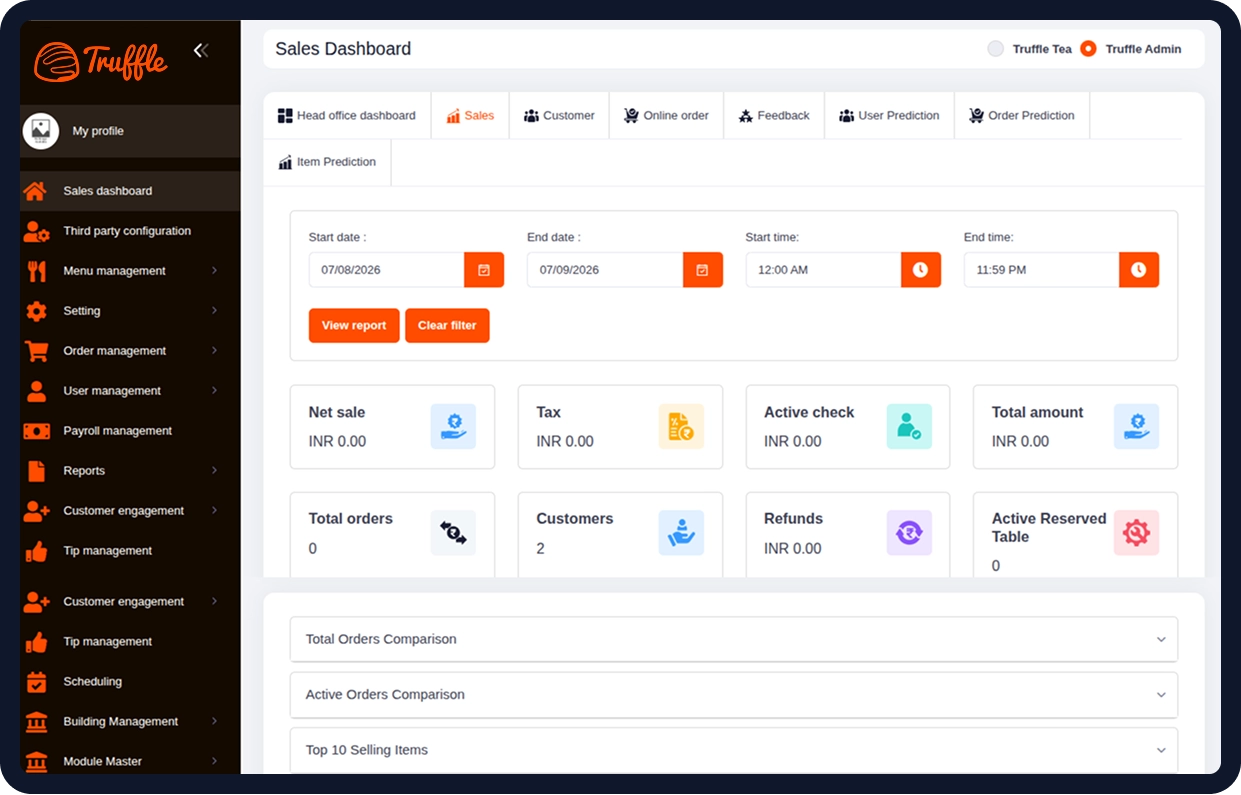
Six core capabilities that make Web POS the only tool your front-of-house needs.
POS Dashboard displays the Active orders, Sales Registration, total amount of stock, kitchen activities in Kitchen Display

Order type is module that allows restaurants staff to manage orders classified as Dine-in, Take-out, Delivery, Bar and QSR

The Menu list will be displayed to the staff after they have selected their order type. If any menus is going to be out of stock

Add modifier includes the extra topping into the menu item. Staff can personalise the menu by adding modifiers.

In this section, staff can see his/her details along with the clock in, break in, break out & clock out time.

With POS, users have the finest option for reserving a table at their favorite restaurant. Users can book a table.

If a customer is waiting for a restaurant table, they can directly connect with the restaurant staff, and the restaurant staff will update the confirmation into the given contact information via SMS and phone.

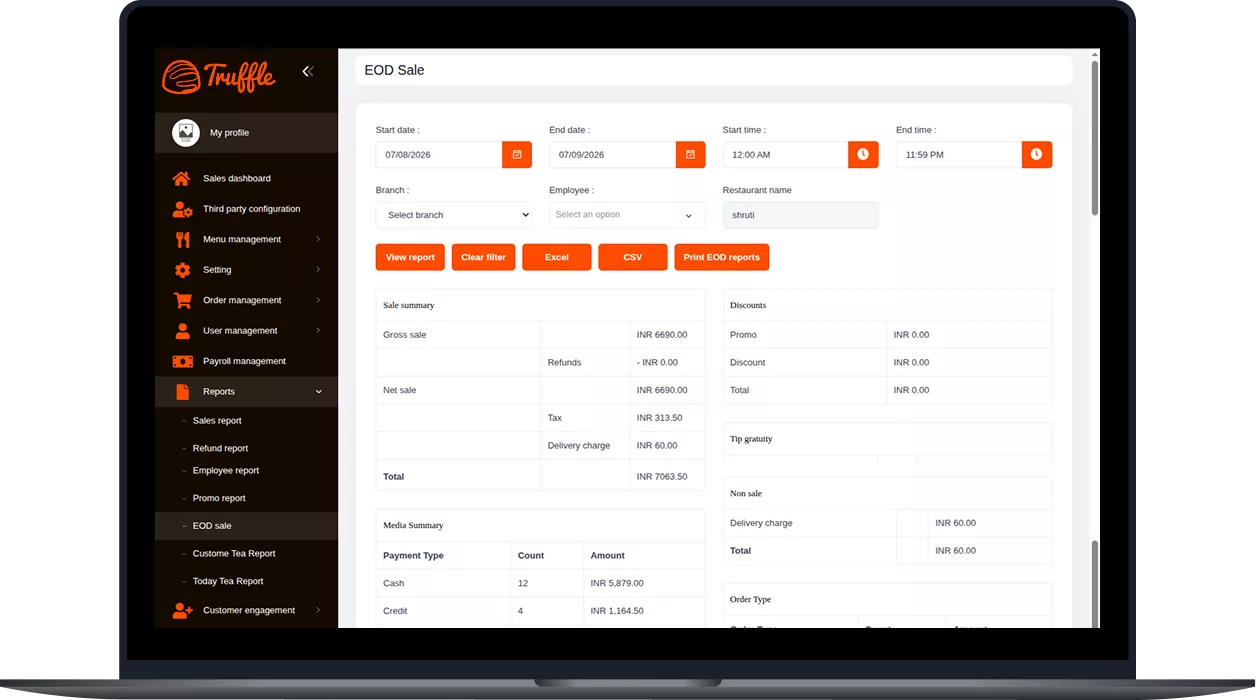
Staff can set the opening cash balance, manage pay-ins and pay-outs, and hold or close the drawer at the end of a shift. The module also generates printable EOD reports with sales breakdowns by payment method.

Orders are organized into four categories: New, Future, Completed, and Out for Delivery. Staff can review and accept or reject orders placed through the website or mobile app. For delivery orders, staff can assign available drivers and track order status until completion.
If a customer is waiting for a restaurant table, they can directly connect with the restaurant staff, and the restaurant staff.
Six core capabilities that make Web POS the only tool your front-of-house needs.

Register your restaurant and configure your business profile.

Register your restaurant and configure your business profile.

Register your restaurant and configure your business profile.

Register your restaurant and configure your business profile.
From cozy cafés to bustling fine-dine Restaurants, we support all outlet types for seamless operations and growth!





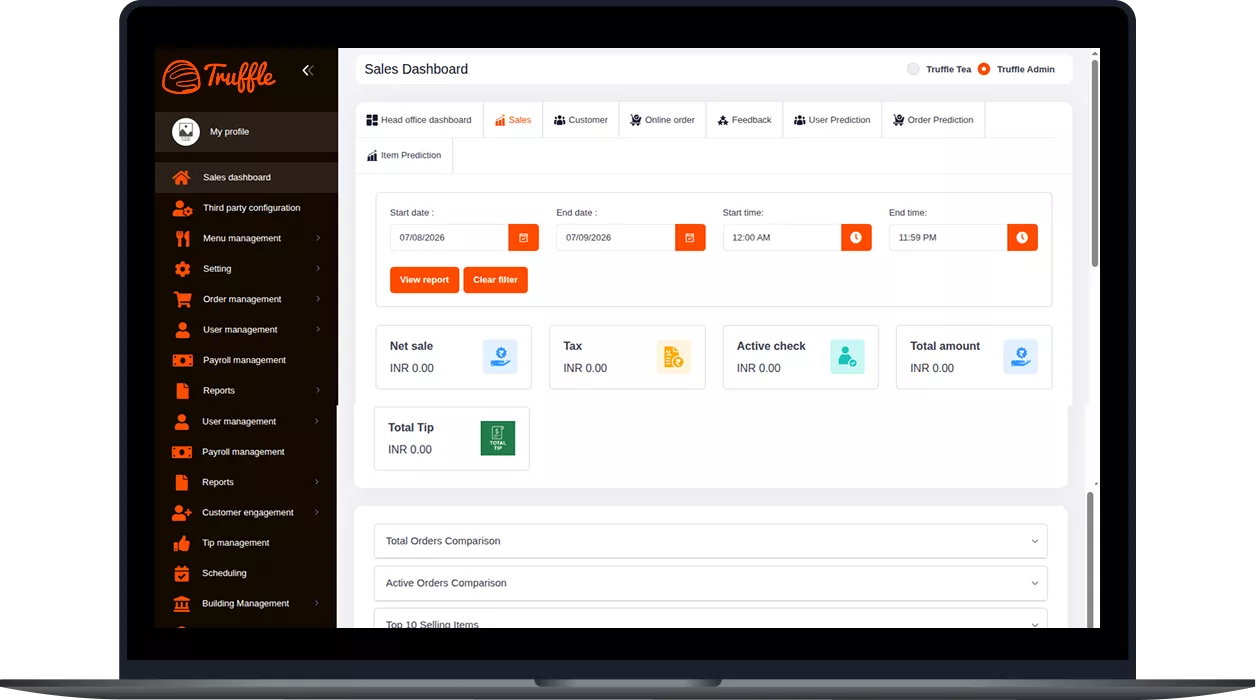
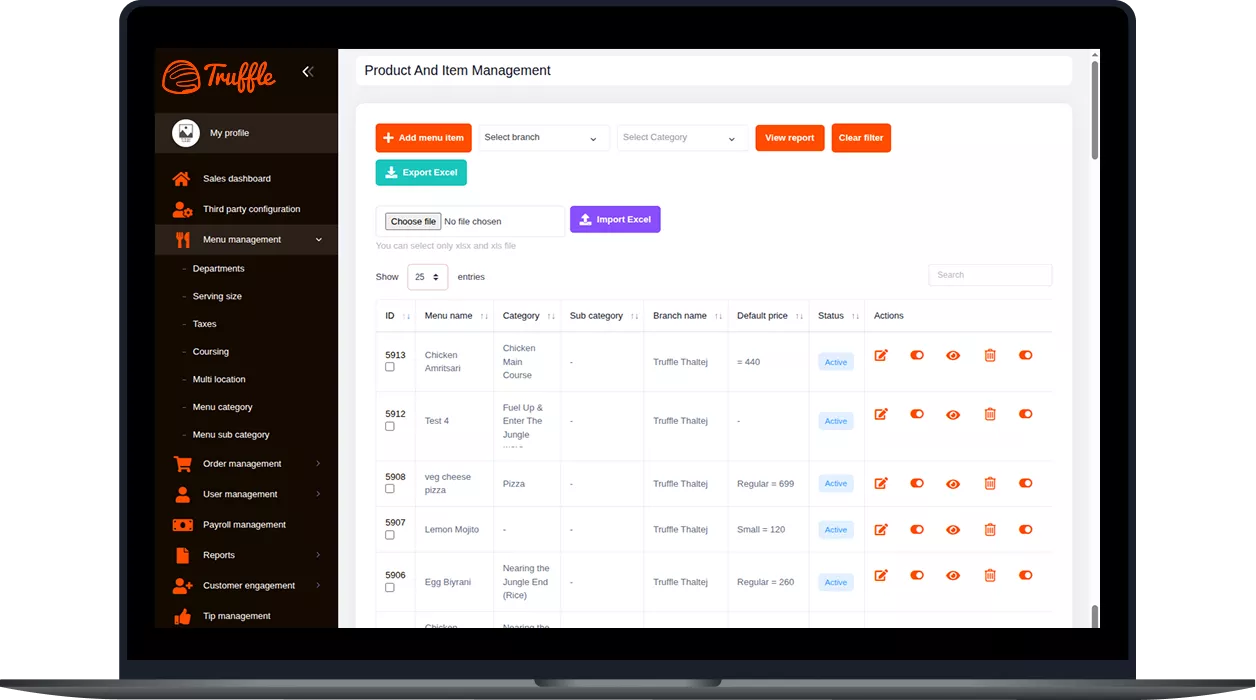
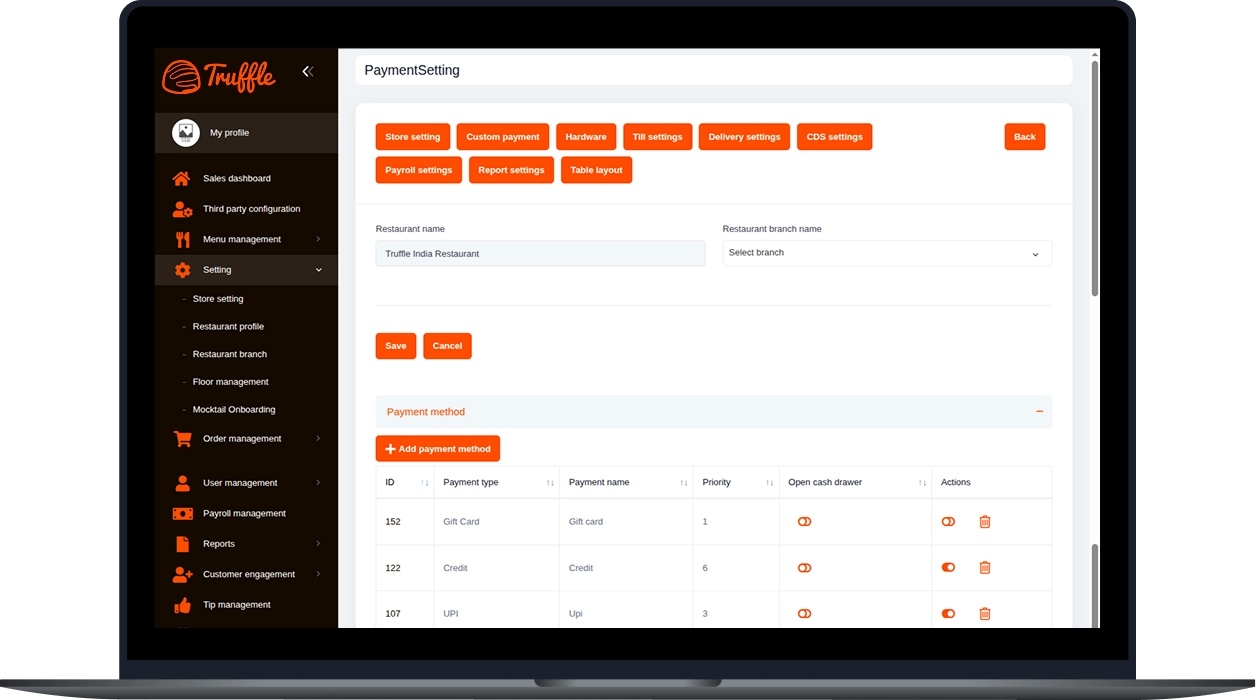
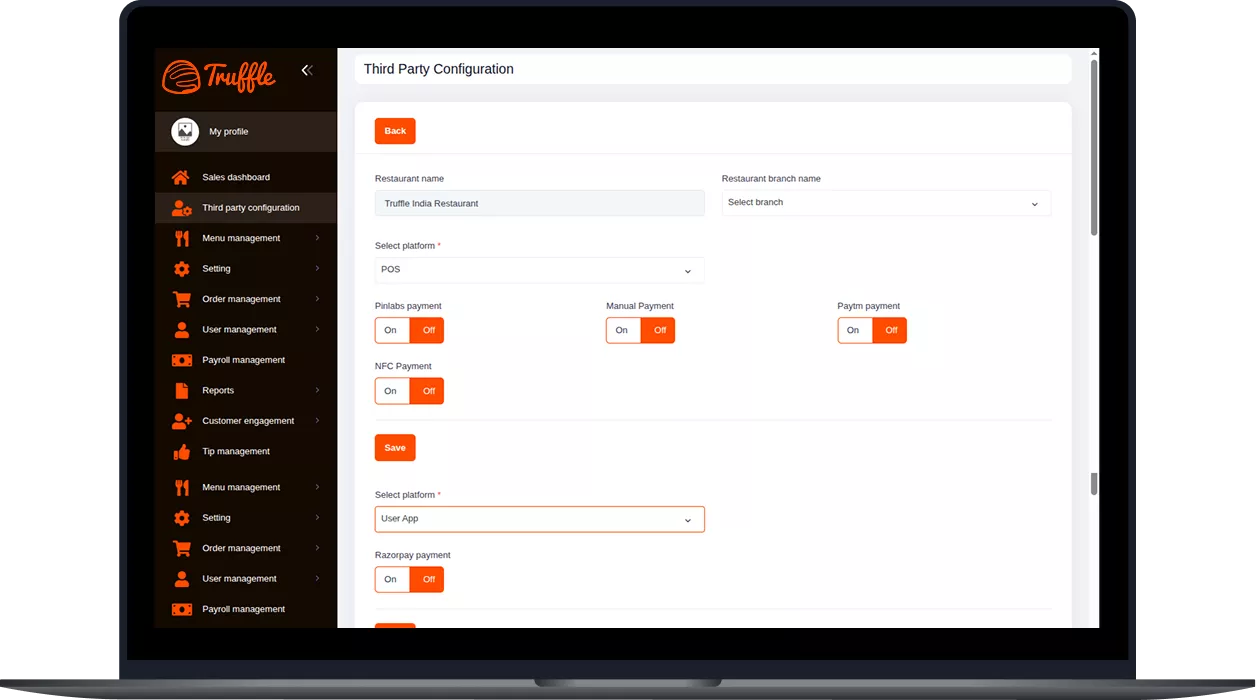
Truffle Central Dashboard is a real-time business intelligence dashboard that provides a centralized view of sales, orders, customers, payments, reservations, refunds, and business performance across one or multiple locations.
The dashboard displays key business metrics such as Net Sales, Tax, Total Orders, Active Orders, Customer Count, Payment Breakdown, Tips, Refunds, Reserved Tables, and Sales by Order Type, all updated in real time.
Yes. The Truffle Central Dashboard supports multi-branch filtering, allowing you to monitor performance for individual outlets or view consolidated data across all business locations.
Yes. You can filter data by date and time range and compare current sales, active orders, customer activity, and other business metrics with previous periods to identify trends and make informed decisions.
Yes. The dashboard includes prediction insights that help forecast customer behavior, order trends, and product performance, enabling businesses to make smarter operational and inventory decisions.
Yes. The Truffle Central Dashboard allows you to customize dashboard views based on user roles and business priorities. You can also export reports and snapshots for analysis, sharing, and record keeping.
Experience the future of transactions! Schedule a demo today and witness how our POS solution can revolutionize your business.