
Employee Management
Keep employee records, roles, and details organized in one central system.
Truffle HRMS & Payroll System is an all-in-one platform to manage employees, payroll, leaves, performance, and HR operations from one centralized system.
Book A Demo
From onboarding to payroll to performance tracking, Truffle HRMS covers the full employee lifecycle without needing separate tools bolted together.
Keep employee records, roles, and details organized in one central system.

Staff mark attendance directly from their phone, no biometric device required on-site.

Verify attendance location for field or multi-site staff, reducing attendance fraud.

Run payroll automatically based on attendance, leave, and salary structure — no manual calculation each cycle.

Generate and distribute salary slips automatically, without manual document creation.

Employees apply and managers approve leave requests directly in the system, with no separate email trail.

Get HR and payroll insights without pulling data manually from spreadsheets.

A single view of workforce data for HR teams and managers.
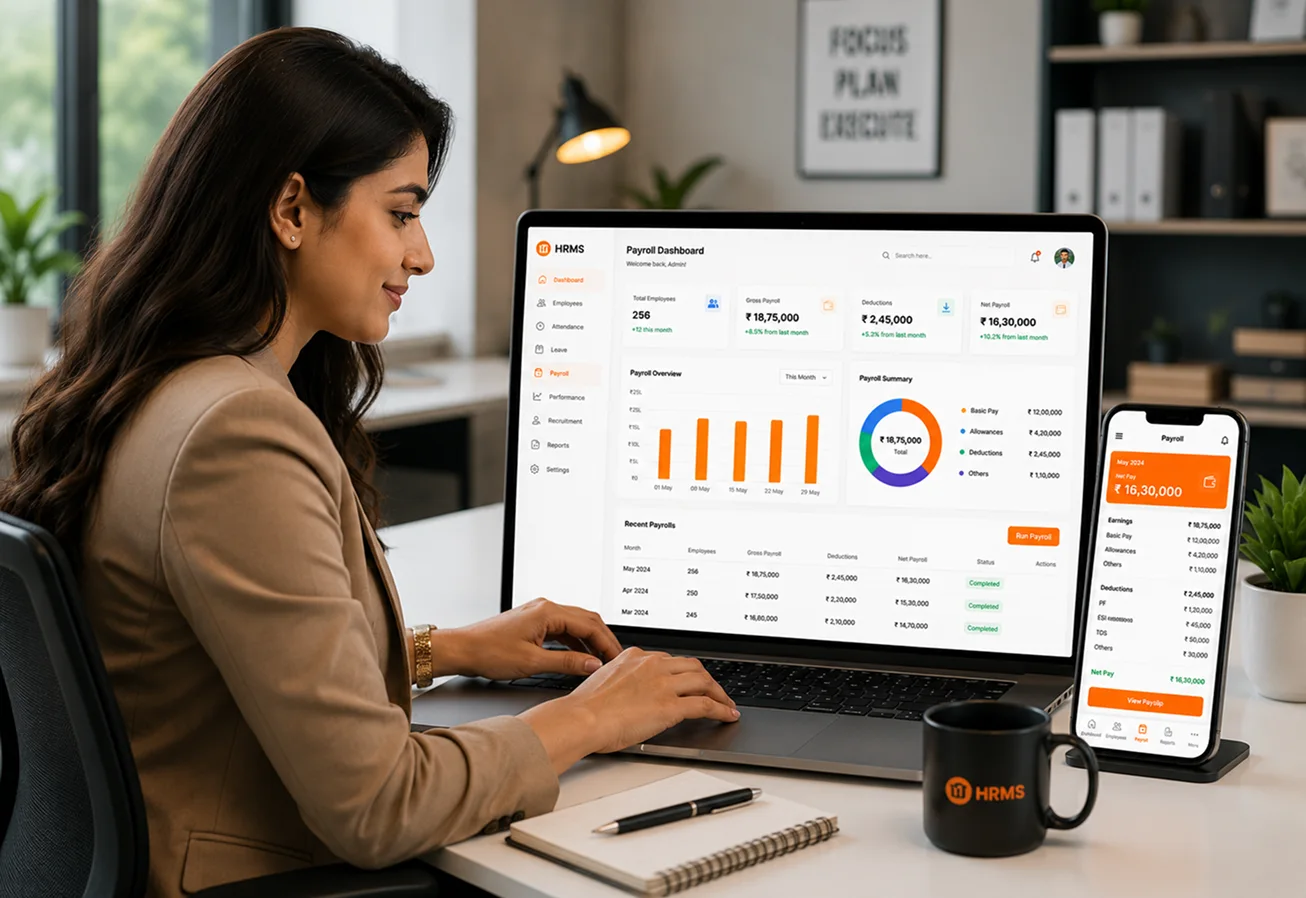
More than just an HR solution, Truffle HRMS—showcased with HRMS dashboard and office photography from the catalogue—is designed to remove administrative bottlenecks and keep your workforce running efficiently.
Six core capabilities that make Truffle HRMS Payroll and Task the only tool your front-of-house needs.

Set up your company profile and add employee records

Set salary structures, leave policies, and attendance rules.

Turn on mobile and geo-tracked attendance for staff

Process your first payroll cycle and monitor everything from the HR dashboard.
From cozy cafes to bustling fine-dine Restaurants, we support all outlet types for seamless operations and growth!





The Truffle Payroll System is an all-in-one HRMS and Payroll platform that helps businesses manage employee records, attendance, payroll, leave requests, performance, and HR operations from a single centralized system.
The system allows you to maintain employee profiles, assign roles, manage attendance, track performance, process leave requests, and keep all employee information organized in one place.
Yes. Employees can mark their attendance directly from their mobile devices. The system also supports geo-tracking to verify attendance locations for field staff and employees working across multiple sites.
The system automatically calculates payroll based on employee attendance, leave records, and salary structures. It also generates and distributes salary slips automatically, reducing manual effort and improving accuracy.
Yes. Employees can submit leave requests directly through the system, and managers can review and approve or reject them from the HR dashboard without relying on emails or paper forms.
The system provides comprehensive HR and payroll reports, including attendance records, payroll summaries, employee performance, leave reports, and workforce analytics through a centralized HR dashboard.
Experience the future of transactions! Schedule a demo today and witness how our POS solution can revolutionize your business.