
Sales Report
See Sales However You Need to Break It Down
Truffle Reports & Analytics turns your daily operations into filterable, exportable reports sales by department, category, or item, refund tracking, promo performance, and tea/beverage order summaries, all from the same dashboard.
Book A Demo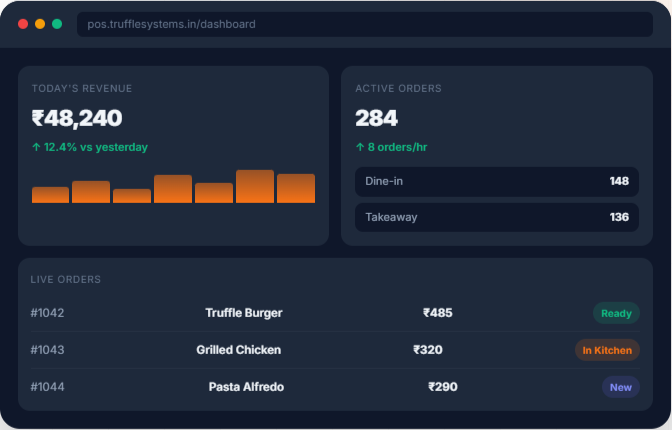
Each report is built around how managers actually need to slice the data by branch, employee, date range, or category not a single fixed view.
See Sales However You Need to Break It Down
Track Every Refund, By Reason and By Staff
Know Which Promotions Are Actually Working
A same-day view of tea/beverage orders by building, office, and user.
Pull a report for any date range instead of just today.
Your Full Day, Closed Out in One Report
Every Staff Member, One Directory View
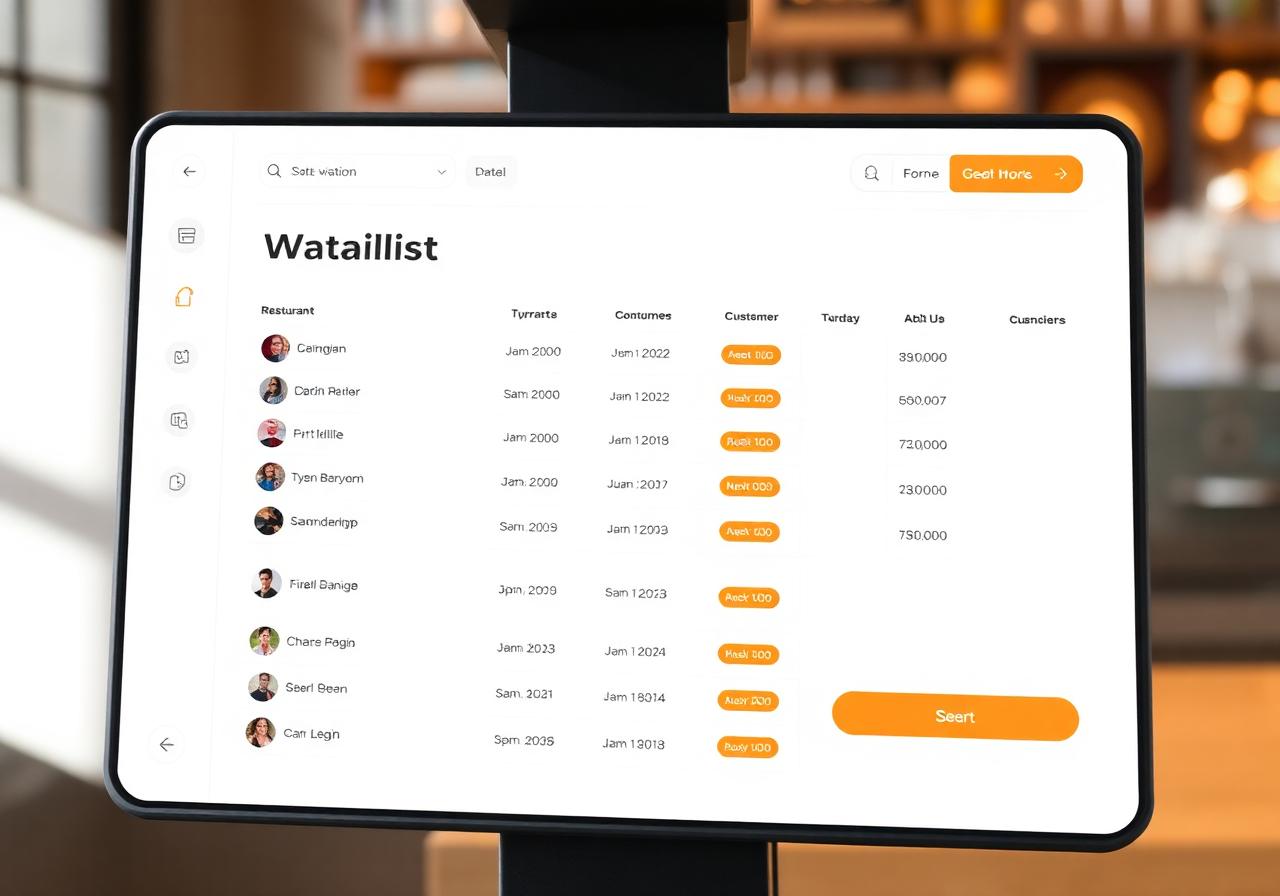
Every report exports directly to PDF, Excel, or CSV, so numbers can be shared, archived, or pulled into other tools without manual re-entry. Reports also support branch-wise and employee-wise filtering across the board, meaning a multi-location business can pull the same report scoped to a single outlet or a single staff member without needing a separate system for each.
Four core capabilities that make Reports & Analytics the only tool your front-of-house needs.
Link sales, refunds, promos, and order data from your existing Truffle setup
Configure branches, employees, and categories so reports are scoped correctly from day one
Pull Sales, Refund, Promo, and Tea reports for a test date range.
Set up regular exports (PDF, Excel, or CSV) as part of your standard reporting routine.
From cozy cafés to bustling fine-dine Restaurants, we support all outlet types for seamless operations and growth!






Truffle Reports & Analytics is a centralized reporting solution that provides detailed insights into sales, refunds, promotions, employee performance, and beverage orders with advanced filtering and export options.
You can generate Sales Reports, Refund Reports, Promo Reports, Today's Tea Report, Custom Tea Reports, End-of-Day (EOD) Sale Reports, Employee Reports, Department Sales, Category Sales, Menu Item Sales, and branch-wise performance reports.
Yes. Reports can be filtered by branch, employee, department, category, menu item, and custom date range, making it easy to analyze specific business performance.
Yes. All reports can be exported in PDF, Excel, and CSV formats for reporting, auditing, and further analysis.
Yes. Truffle provides detailed Refund Reports with refund reasons and staff information, along with Promo Reports that help you measure coupon usage and promotional campaign performance.
Open the Reports & Analytics module, choose the required report type, apply filters such as date range, branch, or employee, and generate or export the report in your preferred format.
Experience the future of transactions! Schedule a demo today and witness how our POS solution can revolutionize your business.