
Live Order Status Display
Orders move from "Preparing" to "Ready" on the screen the instant your kitchen marks them complete no manual update required.
The Truffle Order Ready Screen displays real-time order status updates the moment a ticket is fulfilled in your kitchen so guests know exactly when their order is ready, without crowding the counter or interrupting your staff.
Book A Demo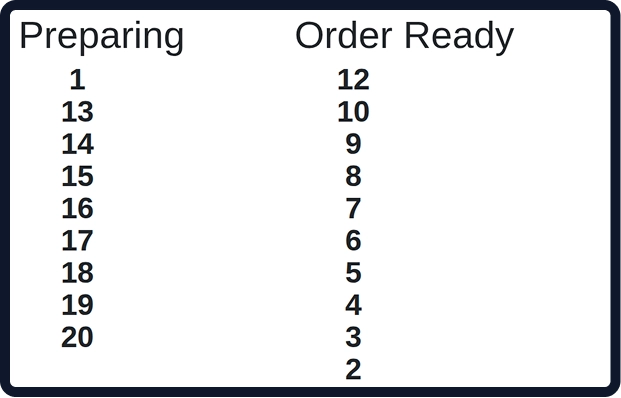
Nine core capabilities that make the Truffle Order Ready Screen the most effective way to manage guest pickup flow in QSRs, food courts, entertainment venues, and cloud kitchens.
Orders move from "Preparing" to "Ready" on the screen the instant your kitchen marks them complete no manual update required.

The screen connects directly to your Kitchen Display System and POS, reflecting every ticket change in real time with zero lag.

Display order numbers, customer names, or both configurable to match how your outlet identifies orders at the counter.

Show multiple orders simultaneously in "Preparing" and "Ready" columns so guests can see their place in queue without asking your staff.

Trigger an audio chime and on-screen highlight when a specific order moves to "Ready" drawing the customer's attention instantly without an announcement.

Apply your restaurant's logo, color scheme, and fonts to the display maintaining brand consistency at every customer-facing touchpoint.

Works on any large-format display screen wall-mounted TVs, commercial monitors, or dedicated kiosk displays with full-screen auto-scaling.

Alert third-party delivery drivers when their collection order is ready, reducing lobby wait time and keeping pickup areas uncluttered.

Update display settings, adjust layout, or restart the screen remotely from the Truffle admin dashboard no on-site visit required.
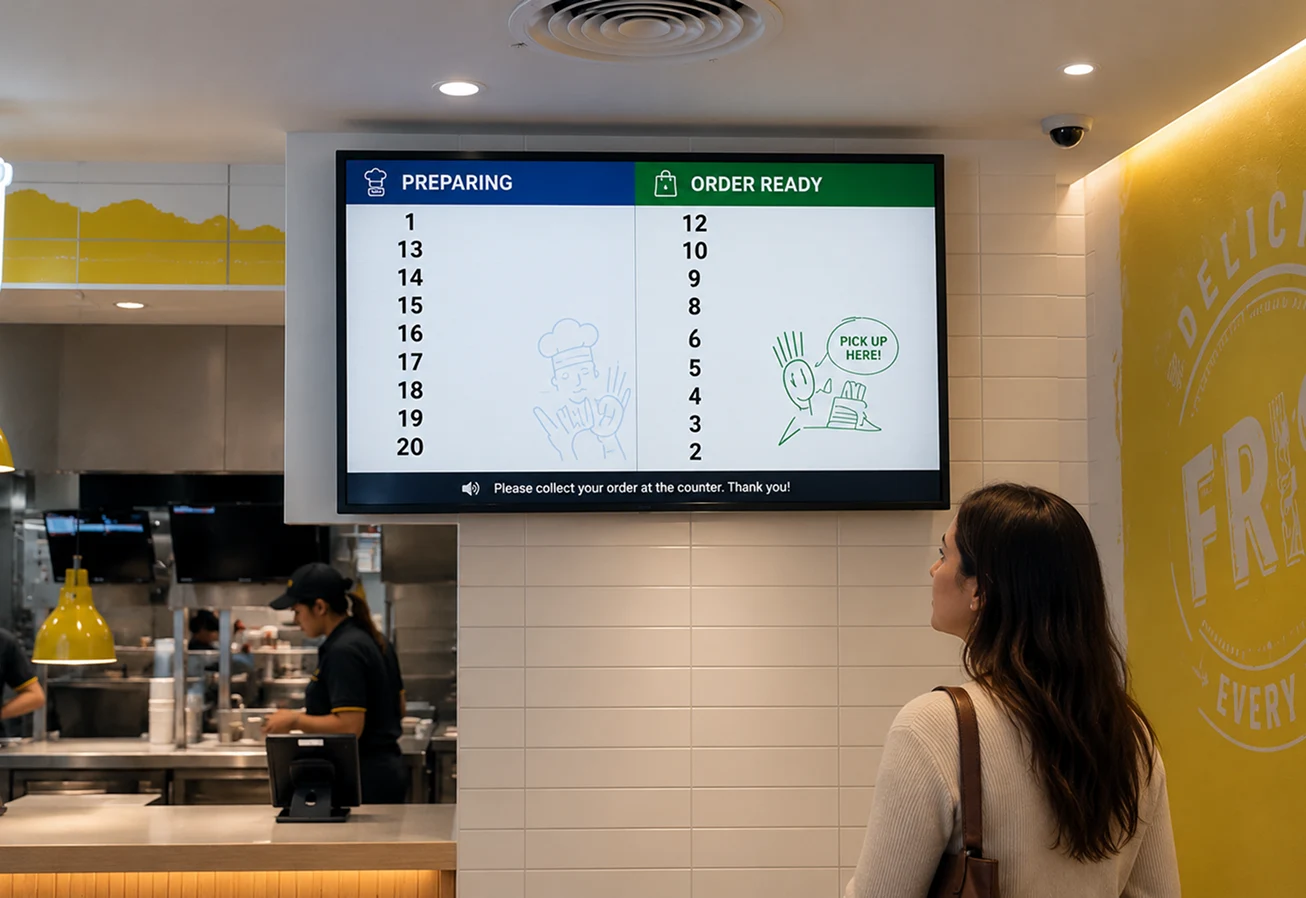
The Truffle Order Ready Screen is placed in a visible location within your restaurant or pickup area. The moment your kitchen team marks an order as complete on the Kitchen Display System or POS, the order number moves to the "Ready" column on the public display instantly alerting the guest to collect their order without any verbal announcement from staff.
Four core capabilities that make Web POS the only tool your front-of-house needs.

Register your restaurant and configure your business profile on Truffle.

Link the Order Ready Screen to your Truffle POS and Kitchen Display System orders sync automatically from the moment of connection.

Set up your screen in a guest-visible location, apply your branding, and choose your display layout order numbers, names, or both.

Start displaying real-time order status immediately, and manage all screen settings remotely from your Truffle admin dashboard.
From cozy cafés to bustling fine-dine Restaurants, we support all outlet types for seamless operations and growth!





The Order Ready Screen is a customer-facing display installed inside the restaurant. It shows the status of orders and lets customers know when their order is ready for pickup or service.
The screen displays order numbers or table numbers along with their current status, helping customers easily identify when their order is ready.
When your order has been prepared, its order number or table number will appear in the Ready section of the Order Ready Screen, indicating that it is ready for collection or service.
No. The Order Ready Screen is a public display inside the restaurant and does not require any login or authentication.
Yes. The Order Ready Screen can display multiple orders simultaneously, allowing customers to quickly check the status of their orders.
The Order Ready Screen is typically installed on a TV or monitor in a visible area of the restaurant, such as the pickup counter or waiting area, so customers can easily track their order status.
Experience the future of transactions! Schedule a demo today and witness how our POS solution can revolutionize your business.