
Automatic Sales Data Sync
Every sale processed through Truffle syncs directly into Tally, without needing to manually export or re-enter transaction data.
Truffle integrates seamlessly with Tally, automatically syncing your sales and purchase data directly with your accounting software reducing manual work and ensuring your financial records are always accurate.
Book A Demo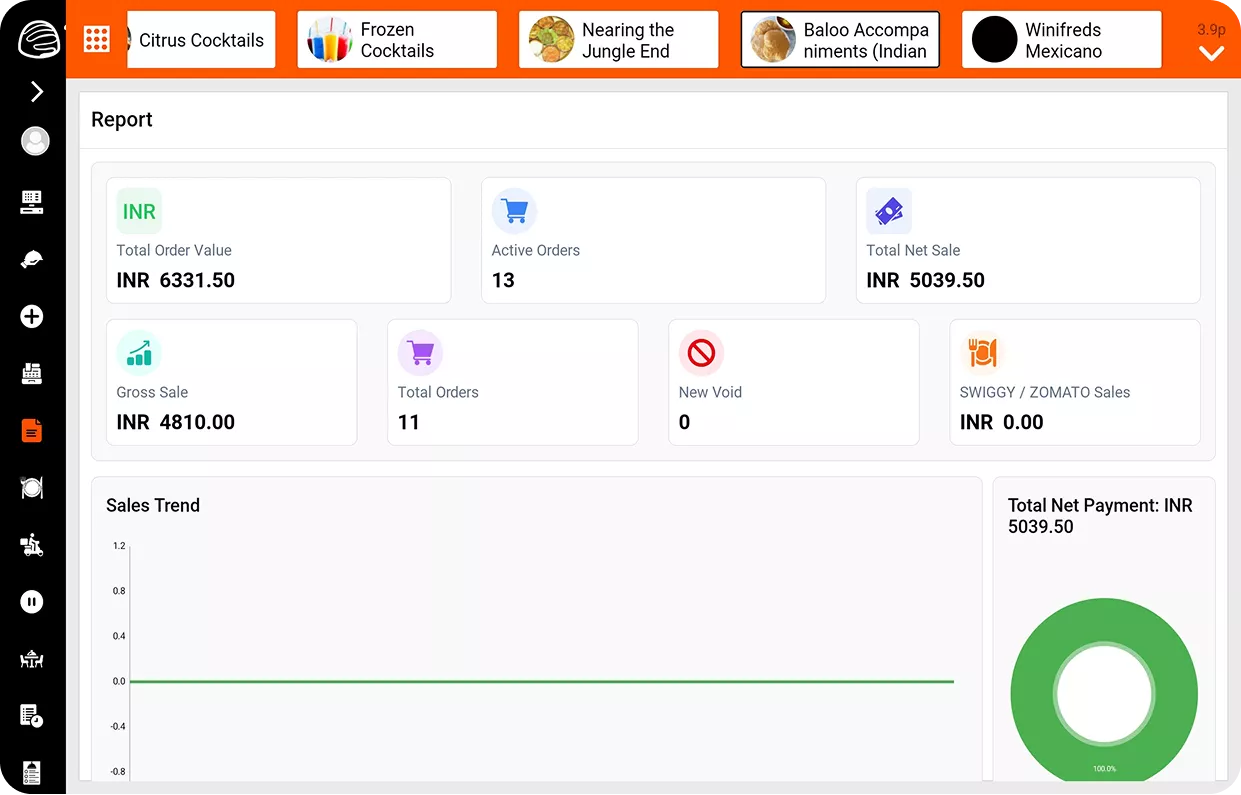
Instead of exporting reports and re-entering them into your accounting software, Truffle keeps your books current automatically.
Every sale processed through Truffle syncs directly into Tally, without needing to manually export or re-enter transaction data.

Purchase records flow into Tally alongside sales data, keeping both sides of your accounting current in the same system.

Eliminate the repetitive task of transferring daily sales and purchase figures into your accounting software by hand.

With data syncing automatically, financial records stay consistent and error-free, rather than depending on manual re-entry accuracy.
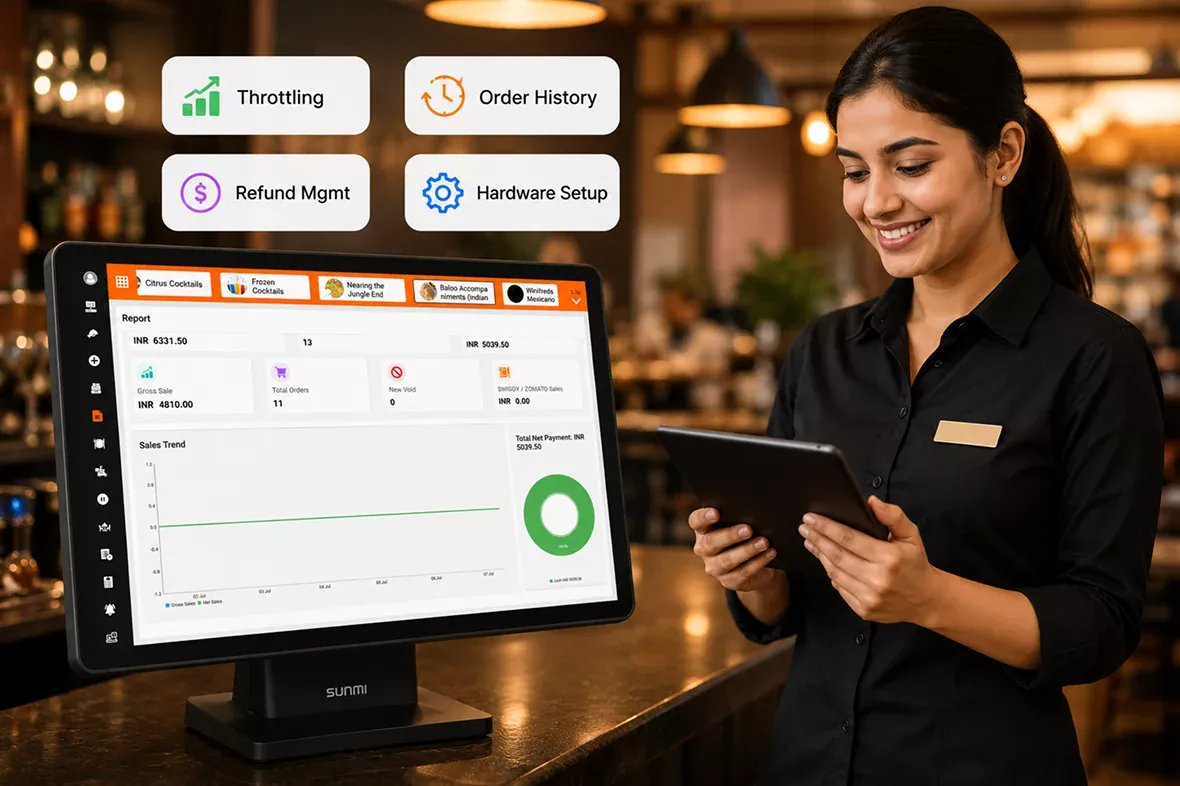
Syncing sales and purchase data is the foundation — but real accounting confidence comes from knowing every entry is accurate, every discrepancy is caught early, and every record is ready when it's time for a tax filing or an audit. Truffle's Tally integration is designed to support that level of trust, not just move numbers from one system to another.
Three core capabilities that make Accounting Integration the only tool your front-of-house needs.

Link your existing Tally software to your Truffle account.

Ensure sales and purchase categories are correctly mapped between Truffle and Tally.

Start syncing sales and purchase data automatically, without manual entry going forward.
From cozy cafes to bustling fine-dine Restaurants, we support all outlet types for seamless operations and growth!





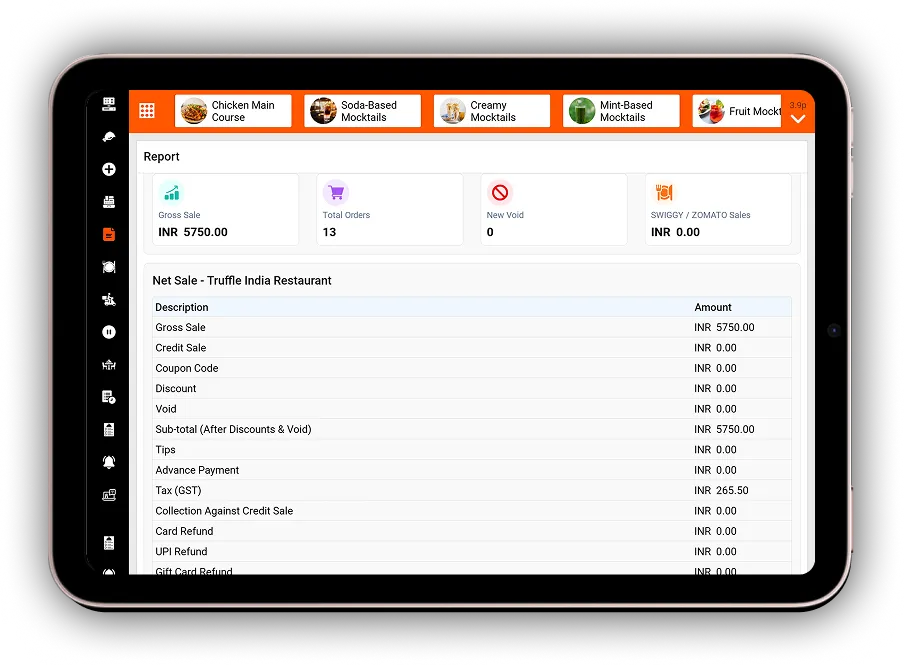
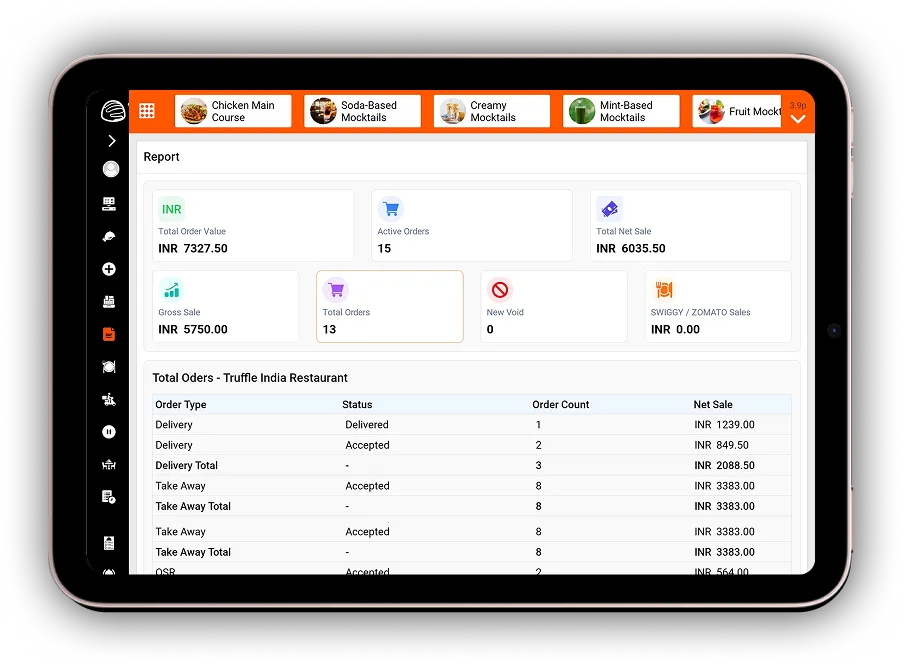
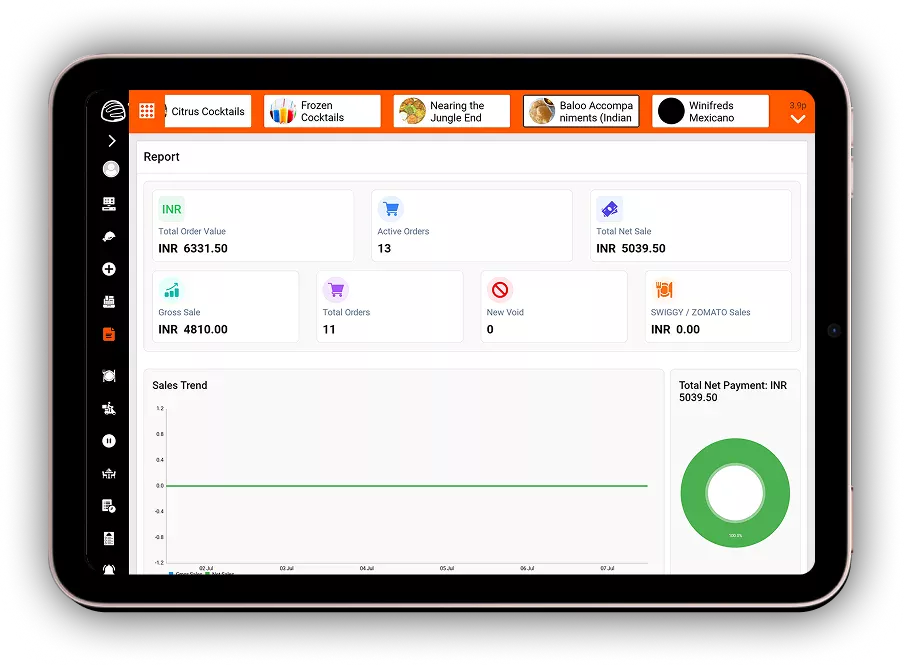
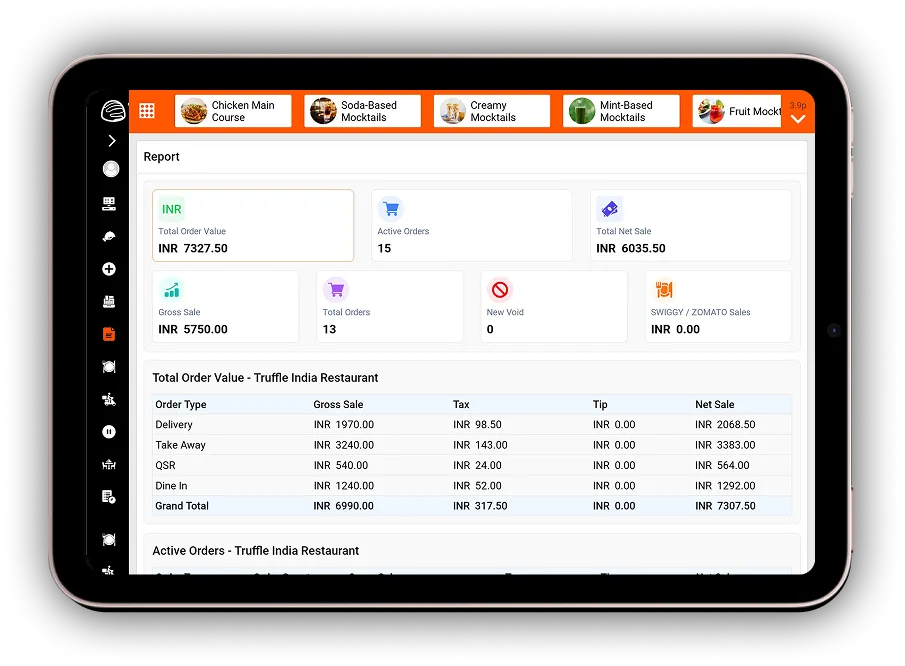
Truffle Accounting Integration connects your Truffle POS with Tally, automatically syncing sales and purchase data to reduce manual accounting work and maintain accurate financial records.
Yes. Every sales and purchase transaction processed in Truffle is automatically synchronized with Tally, eliminating the need for manual data entry.
Go to the Accounting Integration settings, connect your Tally account, map the required sales and purchase categories, and enable synchronization to start automatic data transfer.
Yes. Automatic synchronization minimizes manual data entry, reduces reconciliation errors, and helps keep your accounting records accurate and up to date.
Yes. Truffle supports GST-compliant tax synchronization and can consolidate financial data from multiple branches into Tally for easier accounting and reporting.
Verify that your Tally connection is active, confirm the sales and purchase categories are mapped correctly, check for sync error notifications, and retry the synchronization. If the issue continues, contact Truffle Support for assistance.
Experience the future of transactions! Schedule a demo today and witness how our POS solution can revolutionize your business.